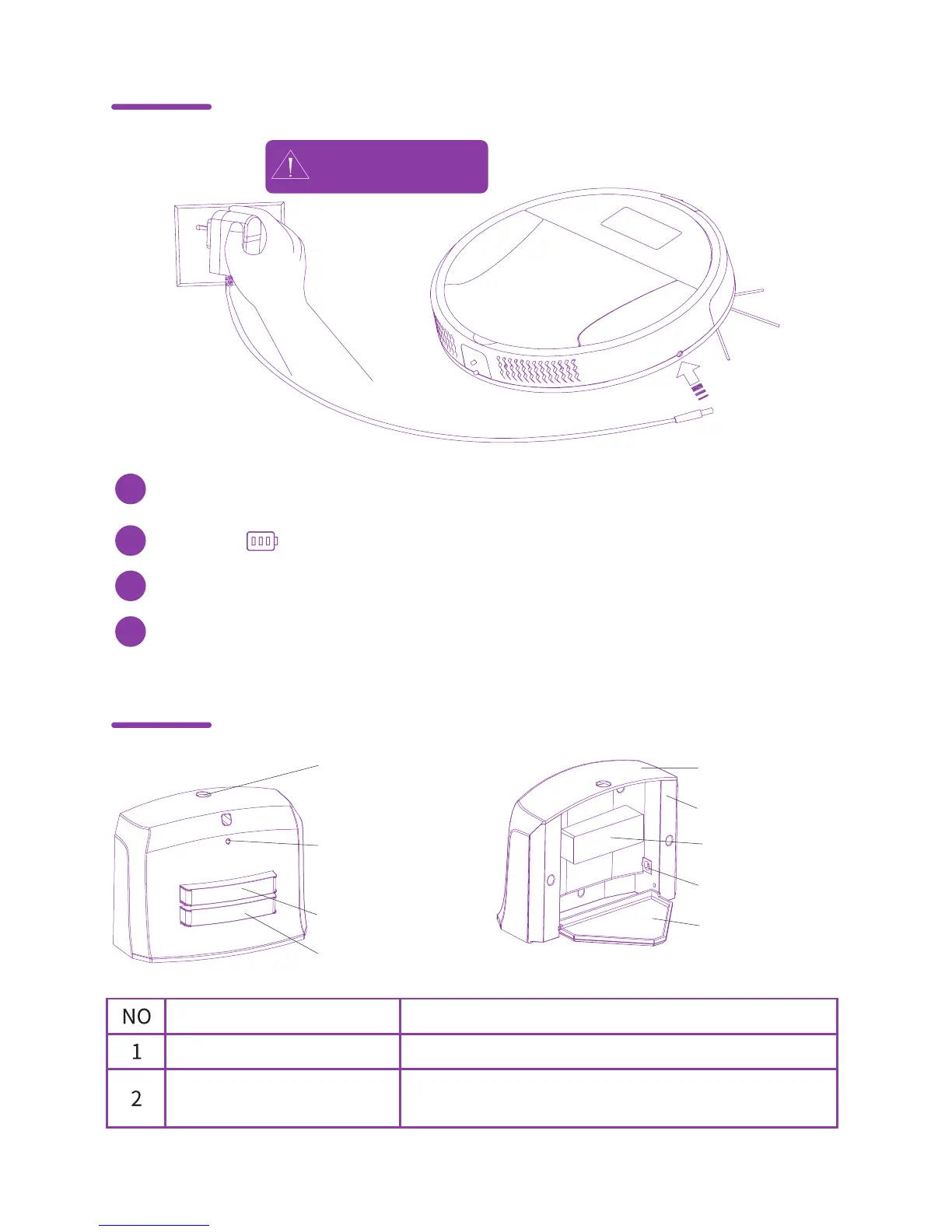
Connect the adapter to the power supply, then connect it to the Maya via the
power input.
High voltage!
Use with dry hands.
6
Manually charging
Charging station
1
The display icon will be flashing while Maya is charging.
2
When fully charged, flashing will stop.
3
After Maya is charged, remove the adapter and turn Maya off.
Wire Inlet
Light indicator
Active when the charging station is connected to the electrical network
via power adapter.
4
Power
input
1. Wire inlet
5. Front cover
9. Stand
6. Back cover
8. DC plug
7. Wire assembly
2. Light indicator
3. "+" Electrodes
4. "-" Electrodes



 To Next Page