7
Install charging station
"+" and "-" Electrodes
Try to keep them clean to avoid interference while Maya is being
charged.
Stand
For stationary feeding of the feed station in some of the corners of the
room.
Wire seat
DC plug
Serves to store the surplus DC plug
Front and back cover
Connect the adapter to the charging base.
Note: Make sure there is free access to the charging station - 2.5 meters in front of it and / or 0.5 meters on both sides.
1
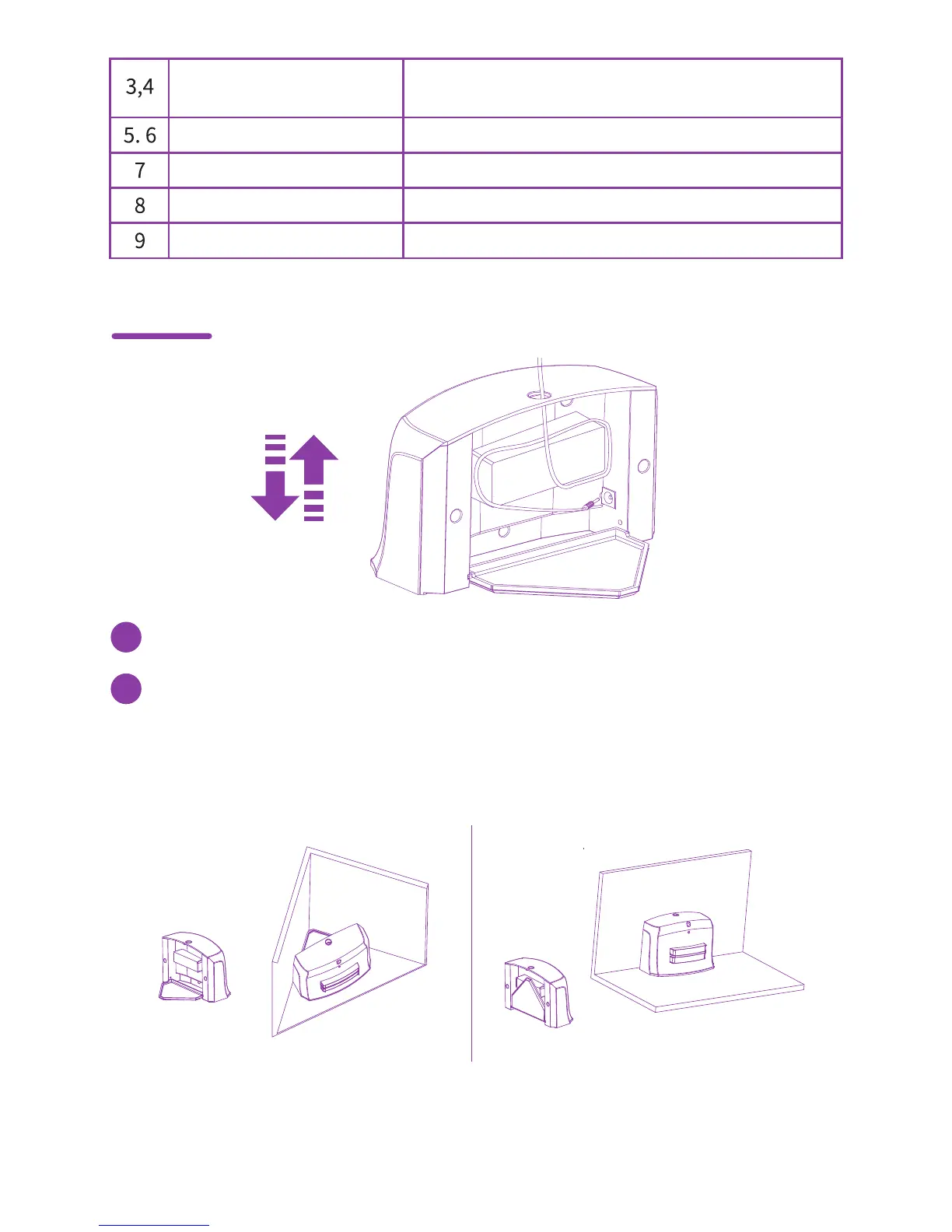
Open the stand when you place the charging station in a corner of the room. Close the stand when you place the
charging station tightly against the wall in the room.
2



 To Next Page