MDS
30
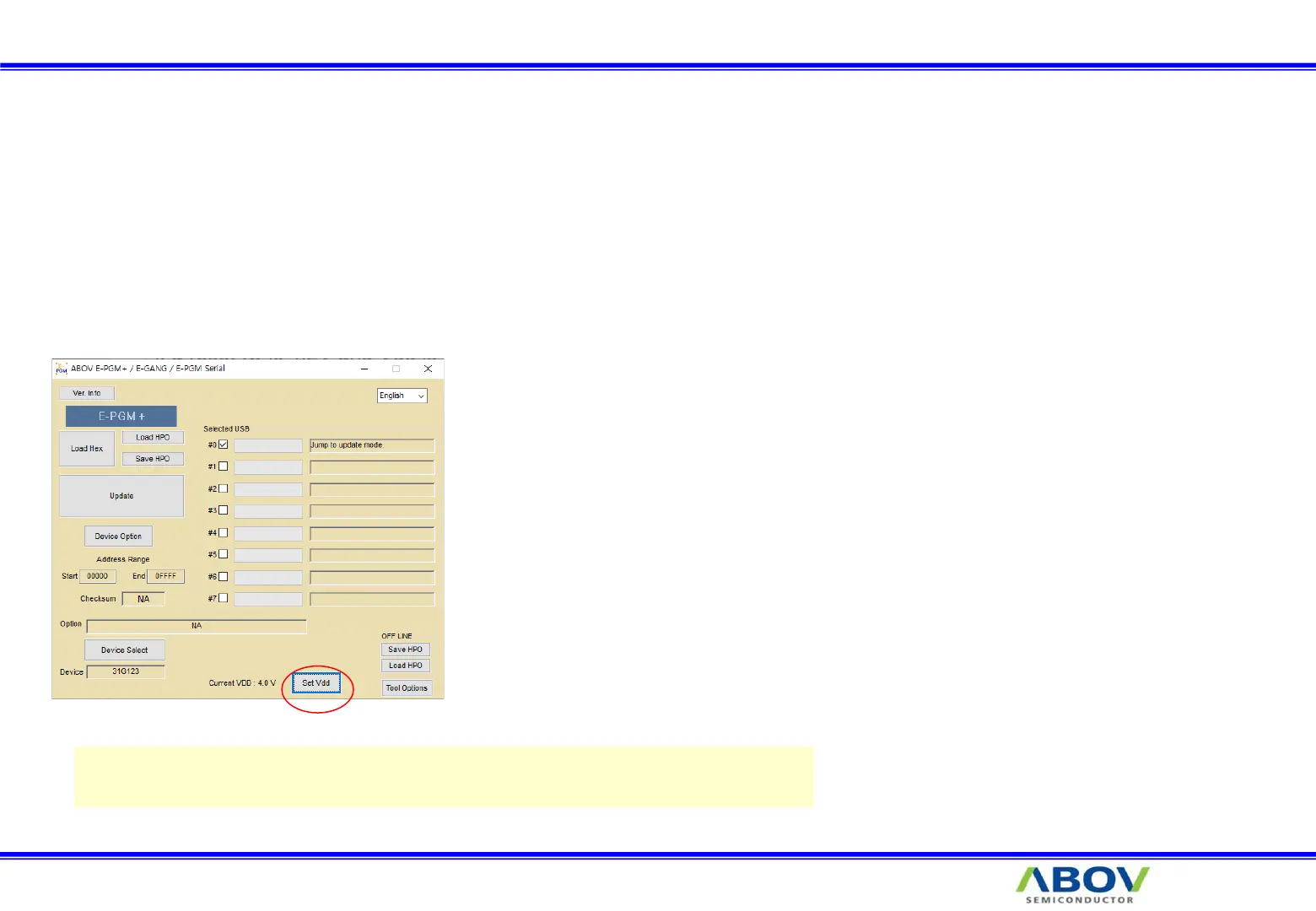
11. Set VDD
You can change VDD value for following reasons.
◆ On ISP(In System Programming), the detect voltage of RESET IC on board must be lower than VDD of E-PGM.
• If the reset voltage is 4.2V and “Set VDD” is 3.3V, Programming may be failed because the device of board is on reset.
◆ The LVR voltage of A31G112/123 should be lower than the selected voltage by “Set VDD” button.
• The voltage by “Set VDD” button is up to 4.7V. So, You had better select under 4.25V for LVR of the devices.
Do not set the VDD beyond operation-voltage of device.
Some devices are forbidden to change VDD.
Range : 3.0V ~ 4.7V


 To Next Page