Meaco App
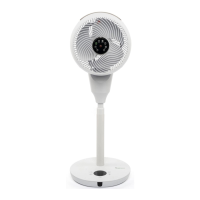
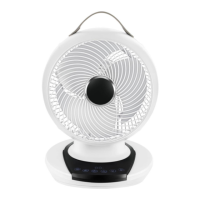
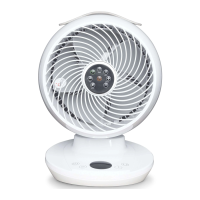
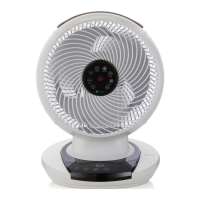
Control your new air circulator with the Meaco app.
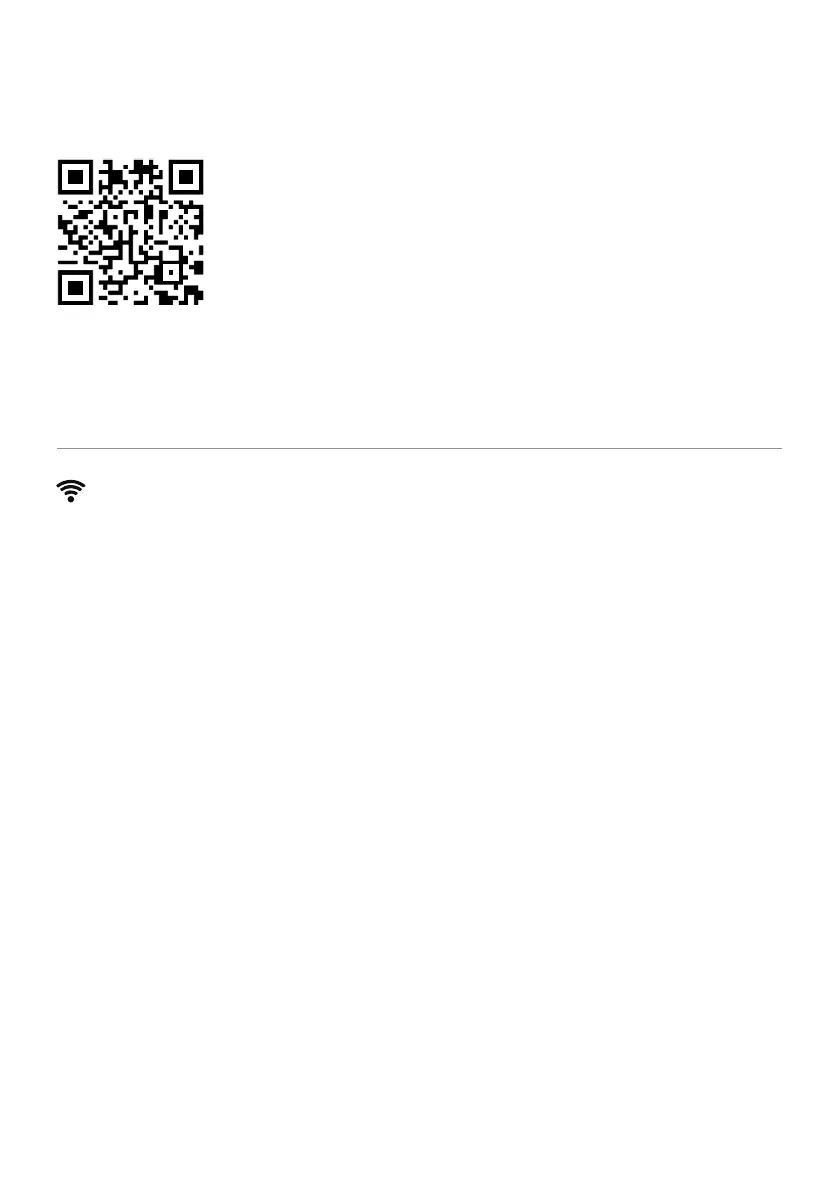
Scan the QR code to install the Meaco app or download the Meaco app from the App store
or Google Play.
Open the app and follow the instructions to create a new account and pair your air circulator.
Connecting your air circulator to your Meaco app
1. Plug the air circulator into the mains via the mains adaptor and press the Power button.
2. Hold the Mode button on the air circulator interface for 3 seconds.
3. The air circulator will beep and a Wi-Fi symbol will ash on the display.
4. In the Meaco app, press the + button in the top right hand corner and then ‘Add device’.
5. The app will search for nearby devices and your air circulator will appear, click ‘Add’.
6. Once the air circulator is successfully connected to Wi-Fi, the Wi-Fi symbol will stop ashing.
[EN] 4


 To Next Page