Operation
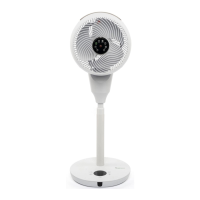
When the air circulator is plugged into the mains, the air circulator will beep once, the air circulator is in
Standby mode.
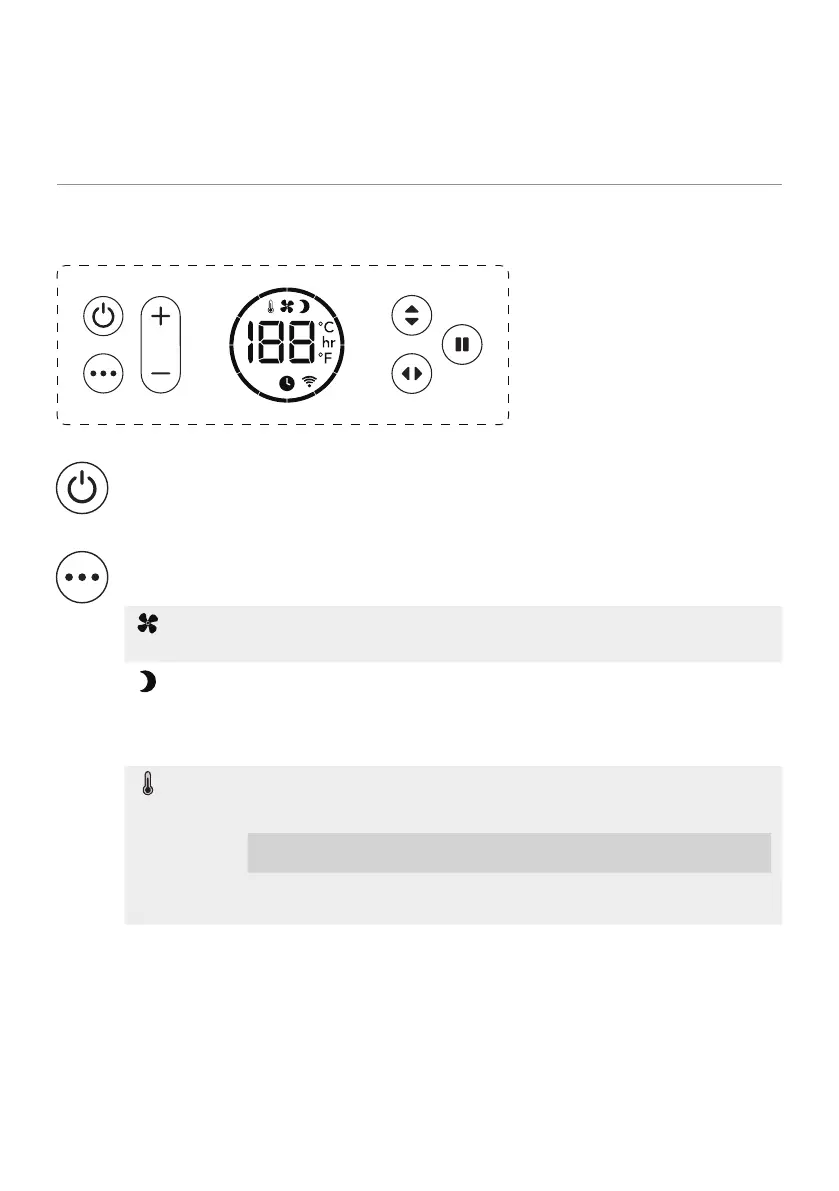
Interface
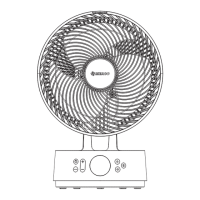
Power button: Press the power button once to turn the air circulator on and press the power
button again to turn the air circulator o. To turn the air circulator power o, unplug it from
the mains.
Mode: Press the mode button to move through 3 modes: Normal, Night and ECO.
Hold the mode button down for more than 3 seconds to enable a Wi-Fi connection. For
further instructions see page 4.
Normal
The air circulator will run as normal on the selected fan speed between 1
and 12.
Night
The interface will turn o and the buttons will no longer beep when
pressed. The fan speed will reduce by 1 step every half an hour until it
reaches fan speed 1. When changing a setting (e.g. the fan speed) the
display will turn on briey until set and then turn o again.
ECO
The fan speed will automatically change depending on the room
temperature.
[EN] 7
Room
temperature
< 19°C 20°C 21°C 22°C 23°C 24°C 25°C 26°C 27°C 28°C 29°C > 30°C
Fan speed
1 2 3 4 5 6 7 8 9 10 11 12


 To Next Page