8
Computer Control Panel
A. Handbox (HBX) Port - Plug the Autostar coil cord (10, Fig. 2) into this port.
B. LED - The red power indicator light illuminates when power is supplied to
the Autostar handbox and to the telescope’s motor drive.
C. ON/OFF Switch - Turns the Computer Control Panel and Autostar ON or OFF.
D. Auxiliary (AUX) Port (2) -
Provides connection for current and future Meade
accessories, such as the Meade Accessory Port Module. See “OPTIONAL
ACCESSORIES,” page 39.
E. 12v Power Connector - provides connection so that the telescope assembly
may be powered from either a 12v DC auto cigarette light plug or from a stan-
dard 115v AC home outlet using optionally available 25' power cords.
Autostar with coil cord - See page 9 for a description of Autostar’s features.
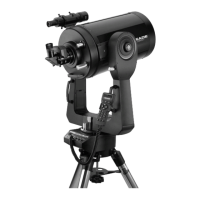
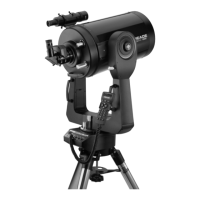
Dust Cover- Gently pry the dust cover from the front lens of the telescope.
NOTE: The dust cover should be replaced after each observing session and the
power turned off to the telescope. Verify that any dew that might have collected
during the observing session has evaporated prior to replacing the dust cover.
Battery Compartments - Insert four (user-supplied) C-cell batteries in each compart-
ment (eight batteries total).
Viewfinder - A low-power, wide-field sighting scope with crosshairs that enable easy
centering of objects in the telescope eyepiece.
Viewfinder Collimation Screws - Use these screws to adjust the alignment of the
viewfinder. See "Mounting and Adjusting the Viewfinder," page 14.


 To Next Page