Tour the Cosmos with Just the Push of a Button
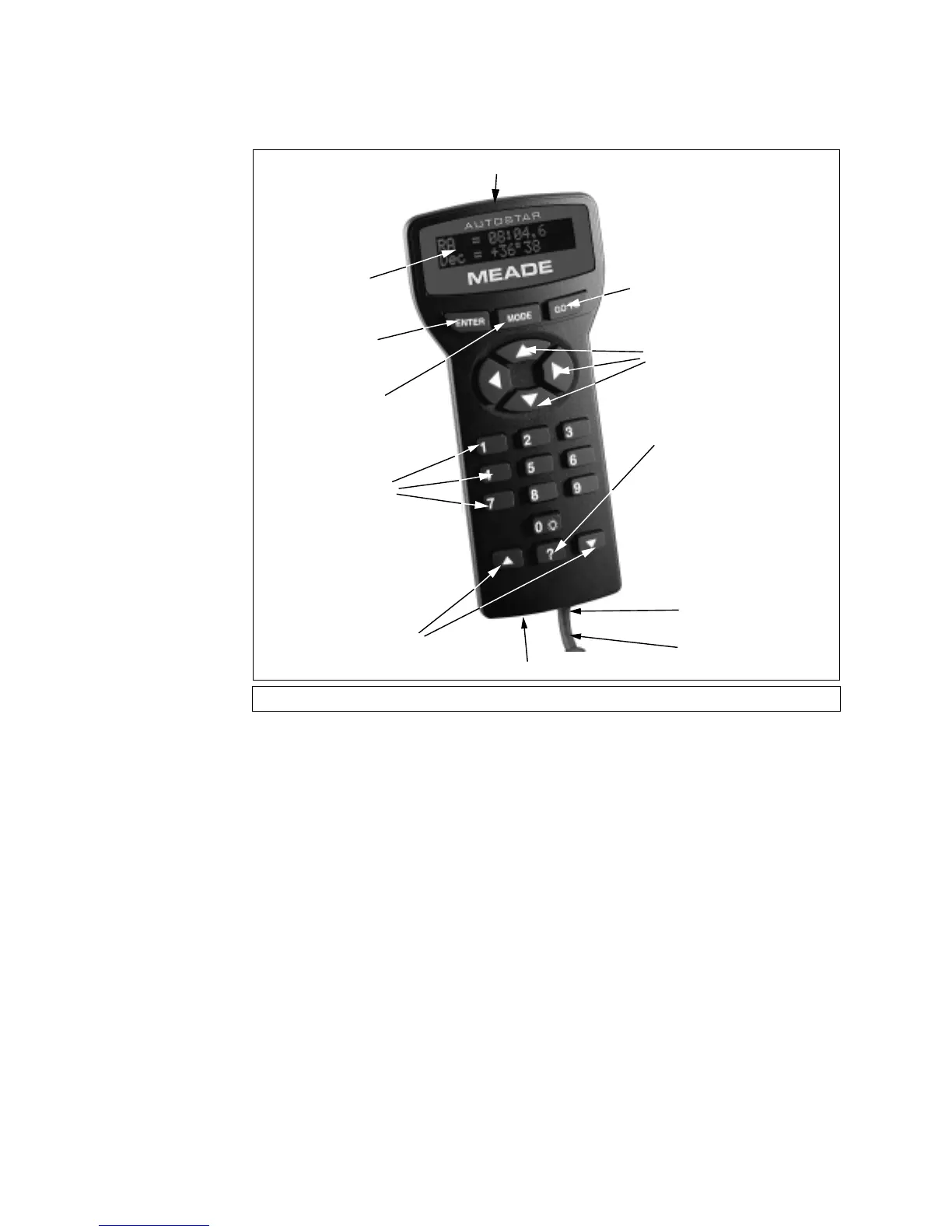
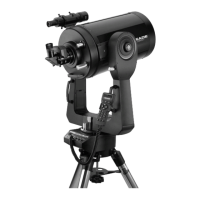
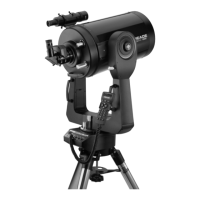
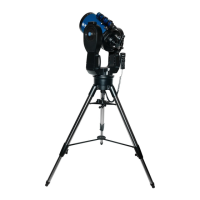
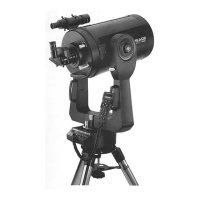
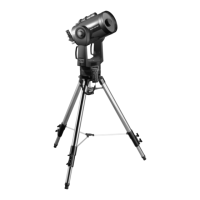
Control of the LX90 is through the operation of the standard-equipment Autostar. Nearly all
functions of the telescope are accomplished with just a few pushes of Autostar’s buttons. Some
of the major features of Autostar are:
• Automatically move the telescope to any of over 30,000 objects stored in the database or
manually enter the astronomical coordinates of any celestial object.
• Take a guided tour of the best celestial objects to view on any given night of the year.
• Download the latest satellite data and software revisions directly from the Meade website
(www.meade.com) and share software with other Autostar enthusiasts. (Requires option-
al #505 AstroFinder™ Software and Cable Connector Kit. See “OPTIONAL ACCES-
SORIES,” page 39.)
• Control your LX90 with your PC using an RS-232 interface.
• Access a glossary of astronomical terms.
• Calculate which eyepiece to use for optimum viewing of a celestial object.
• Mount the telescope in the “Alt/Az” mode (Altitude - Azimuth, or vertical - horizontal) for
fully automatic tracking of celestial objects.
• Extensive long-exposure astrophotography and CCD imaging capability is available when
the LX90 is mounted in the "Equatorial" (Polar) mode using an optional mounting wedge.
AUTOSTAR FEATURES


 To Next Page