12 Mecmesin Assembly and Installation of –i System Test Stands
5.3 Jog buttons
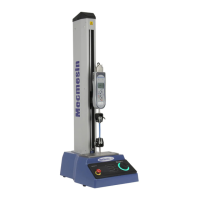
Jog buttons are used to position the crosshead or platen so that samples can be attached
to the grips. Test Stands have a pair of physical jog buttons on the stand, and another pair
of similar buttons on the Emperor screen. The two sets of buttons function in different
ways. The physical buttons move the crosshead or platen at a factory-set fixed rate.
Emperor allows you to set either a fixed or variable rate. A variable rate means the jog
speed increments (gets faster) or decrements (gets slower) each time an on-screen jog
button is clicked.


 To Next Page