page 11
Hold down the Ctrl key on the PC keyboard and press:
a to simulate pressing the TXD key*
b to simulate pressing the UNITS key
c to simulate pressing the MAX key
d to simulate pressing the RESET key
e to simulate pressing the ZERO key
See page 32 for full table.
* Note that the continuous transmission mode cannot be
entered via this method.
The Tornado Advanced Menus are navigated using the blue
text on the function keys.
Press and hold the MENU key for approximately 3 seconds
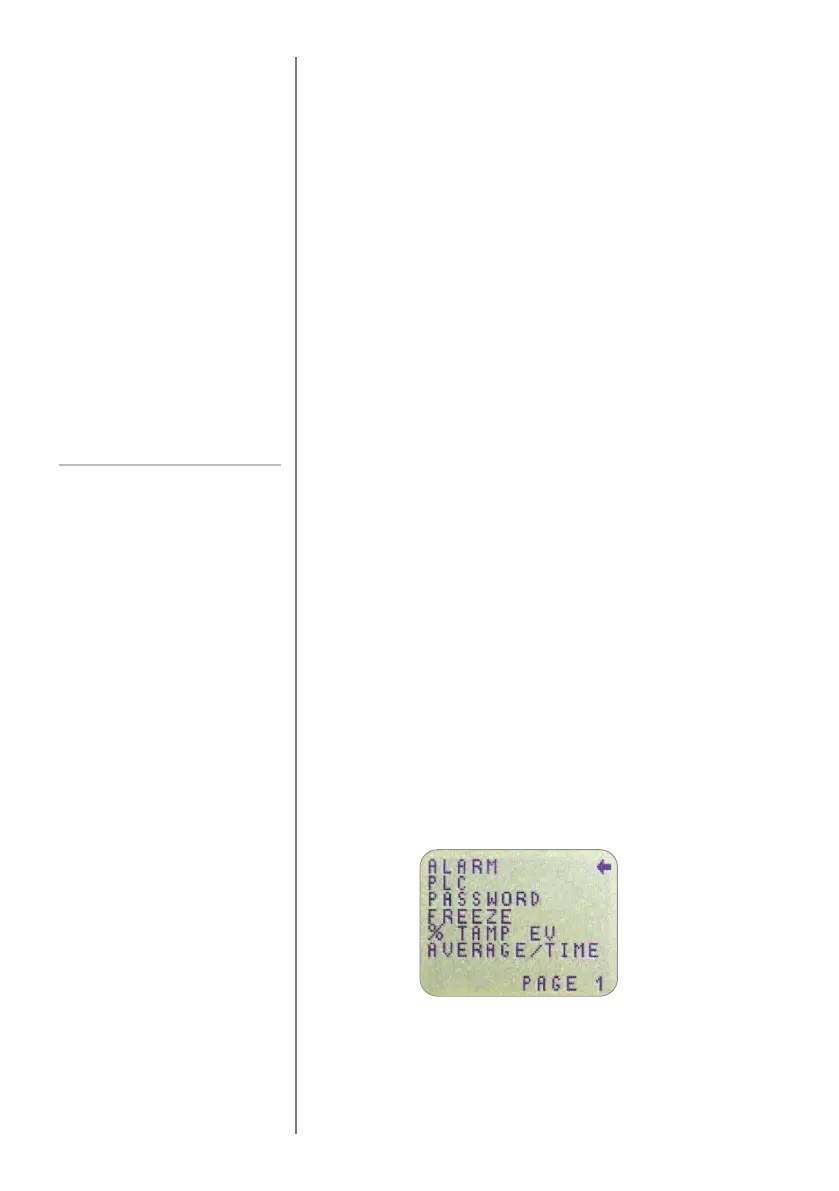
to access page 1 of the main-menu, (see Fig. 6). Pressing
the MENU key again takes you to pages 2 and 3 of the
main menu in turn. To move between the options listed on
the 3 main-menu pages, press the UP and DOWN keys to
move the cursor. Press the ENTER key to select sub-menus,
activate features and enter values. Within sub-menus the
UP and DOWN keys will also change numerical values.
Press the ESC key to return to the relevant main-menu page
and ESC again to return to the main display.
PC Communication or
other RS232 input device,
eg. PLC.
Tornado uses 9600, 19200, 57600
or 115200 Baud, 8 data bits, 1 start
b
it, 1 stop bit, no parity and no
f
low control. (See Advanced Menu
O
ptions for setup details).
Advanced Menu
Options
Navigating the menus
MAIN MENU PAGE 1
Fig. 6
Main menu page 1



 To Next Page