EasyManua.ls Logo

Mecmesin Tornado - PLC Menu Flowchart; Password Menu Flowchart

Mecmesin Tornado
52 pages
Print Icon
To Next Page IconTo Next Page
To Previous Page IconTo Previous Page
Loading...
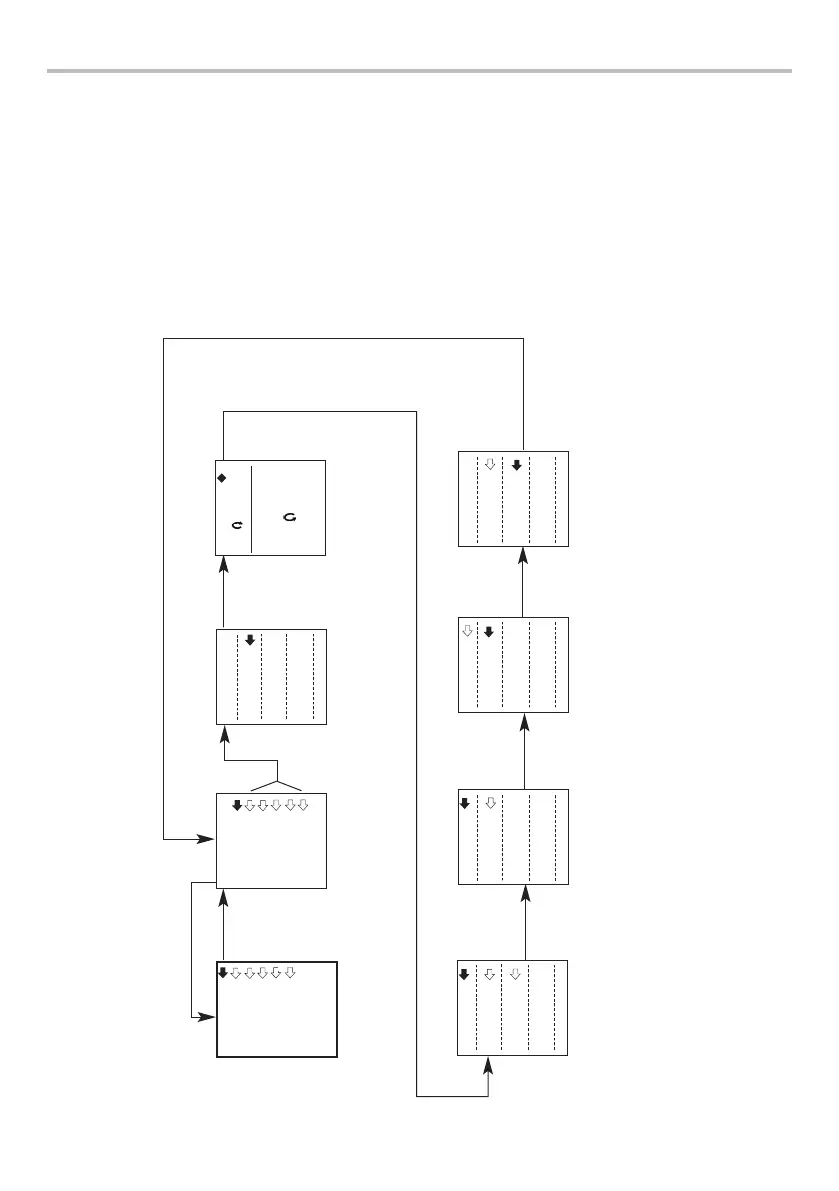
Advanced Menu Options Flow Chart Menu Page 1
On the following pages are flowcharts to help you navigate the menus found in the Tornado.
They appear in the order they appear on the three pages of the main menu on the instrument.
ALARM
ALARM
PLC
PASSWORD
FREEZE
% TAMP EV
AVERAGE/TIME
Page 1
ALARM
OFF
ALARM 1
ALARM 2
ALARM 3
ALARM 4
ALARM 5
LIMIT1
CW 0.28
LIMIT2
CCW -0.28
lbf
press
ENTER
press
ESC
AUDIBLE
LED
BOTH
OUT BAND
IN BAND
PASS
FAIL
BUZZER ON
CONTINUOUS
PULSE
press
ENTER
press
ENTER
press
ENTER
press
ENTER
press
ENTER
ALARM 2
SET
press
ENTER
page 38
Only shown if
AUDIBLE or BOTH
mode is selected
at start
press
ENTER

Related product manuals