HOME PAGE
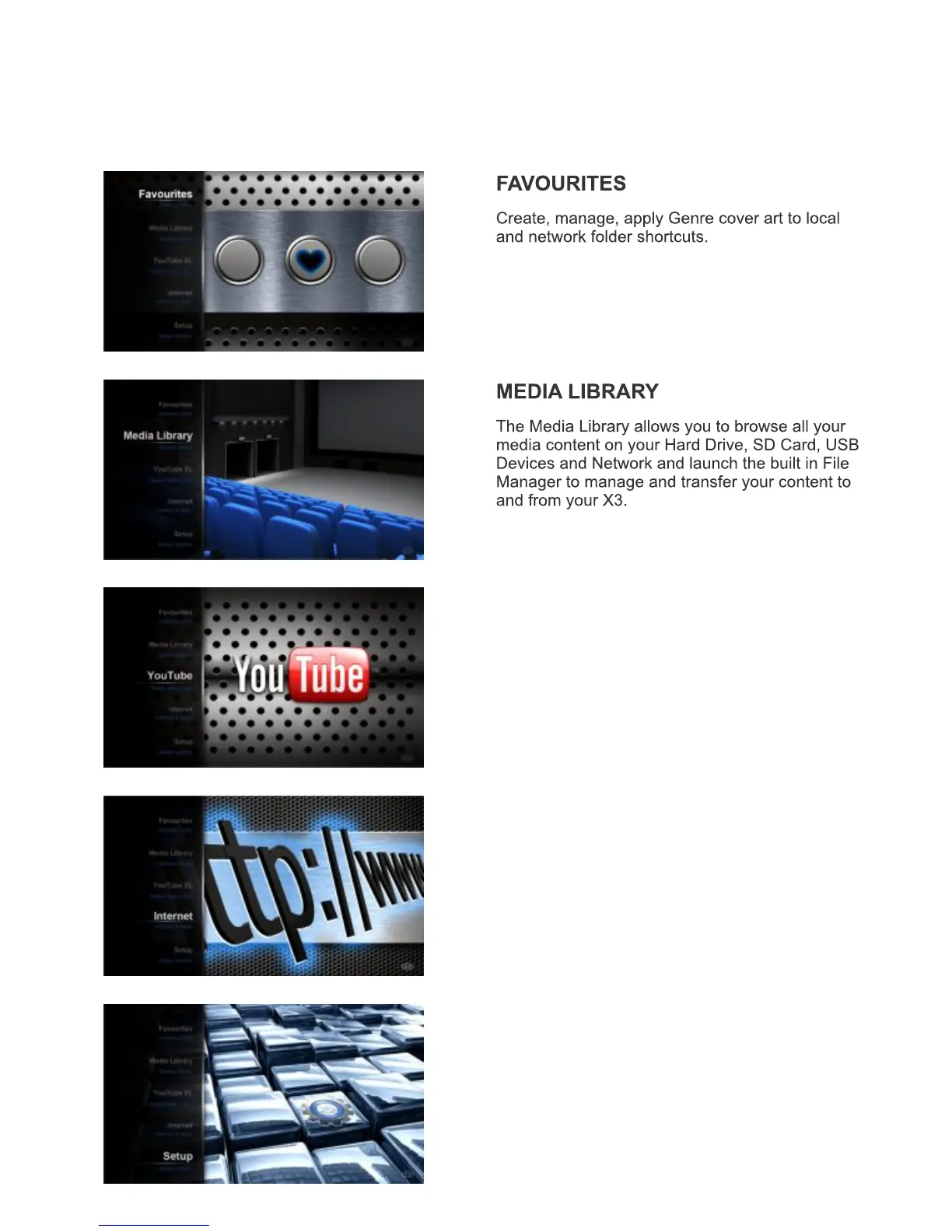
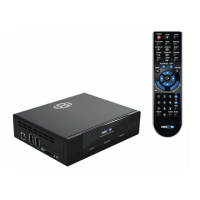
The X3 Home Page is the central point where you can launch all the user applications. Press the
Right/Left/Up/Down Navigation buttons on the remote to navigate the Home Page and press “Enter” to
launch the selected page.
INTERNET MEDIA
The Internet Media page contains the Internet
Media functionality such as Web Browser, Social
Media, Internet Radio, Flicker etc
SETUP
The Setup page is the area where you personalize
the setup options to suit your individual needs.
Page19
YouTube
Search and Stream online YouTube videos to
your TV.


 To Next Page