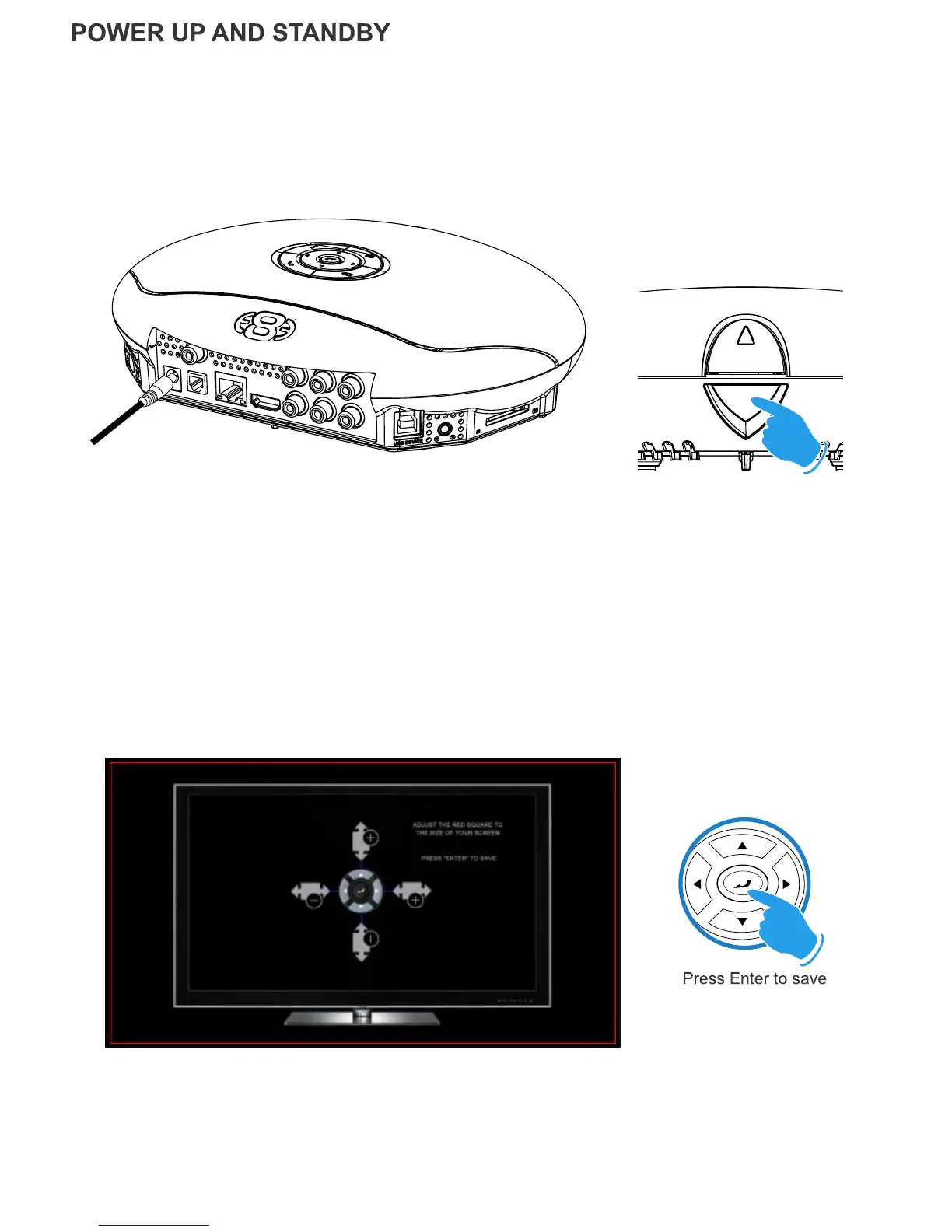
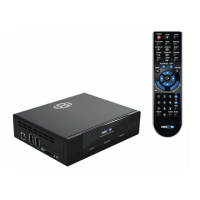
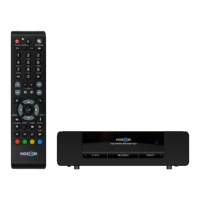
Plug the AC/DC adapter into the mains outlet and plug the DC Jack into the DC IN at the rear of the X3.
DO NOT USE ANY AC/DC ADAPTER AND ONLY USE THE ONE SUPPLIED otherwise you may cause
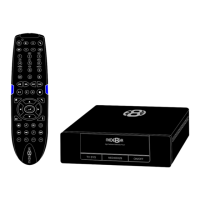
damage to the unit. The Navigation Pad LED will light up ‘RED’. Press the On/Off button on the X3 front panel
and Navigation Pad will LED will turn to Blue. You can switch the X3 ‘Off’ by pressing the ‘On/Off’ button on the
remote or by pressing the ‘On/Off’ button on the unit. When in standby the Top Navigation LED will turn Red.
Using the left, right, up and down navigation buttons you can adjust the red rectangle to fit the outer frame
of your TV screen. Note - Do not oversize the screen size as this could result in image artifacts when
viewing still images on certain brands of TV’s.
Page8
SCREEN CALIBRATION
For better accuracy in Video Play and Image Zoom we suggest you calibrate your TV screen. Go to System
Setup then Video and select Screen Size.
Multi Voltage AC/DC Power Adapter
On/Off Button


 To Next Page