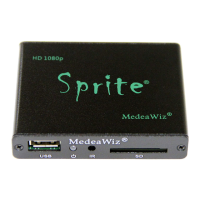
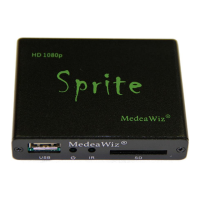
MedeaWiz® Sprite®
.
9 | P a g e
Audio Output Mode
Select the audio output needed.
Select HDMI to route the audio through the HDMI cable to your monitor or amplifier with HDMI
input.
Select A/V to route the audio to the 3.5mm 4 pole AV jack and use the red and white RCA plugs
from the included A/V cable.
The audio output will require an amplifier or amplified speakers. It can’t directly drive
speakers
The Sprite is capable of high quality Stereo audio. It does not support surround sound.



 To Next Page
 Loading...