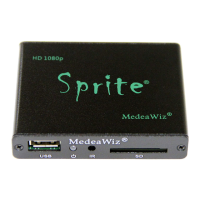
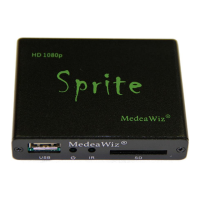
MedeaWiz® Sprite®
.
8 | P a g e
Video Output Mode
Select the video output needed to match your monitor.
Select NTSC to use the Composite video output from the 3.5 mm yellow AV jack using the
yellow RCA plug from the included A/V cable.
Select PAL for Composite video output from the 3.5 mm yellow AV jack for some areas other
than the Americas that use PAL video files and monitors.
The HDMI selections will route the video to the HDMI connector only.



 To Next Page
 Loading...