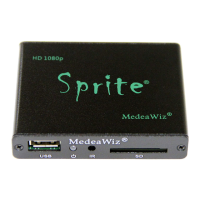
MedeaWiz® Sprite®
.
10 | P a g e
Play Mode
Select the play mode needed for your application
Selections with no external input control:
Select Off to manually play files using the IR remote control.
Select Video to play all video files in a circular loop.
Select Audio to play all audio files in a circular loop.
Select Photo to play all photo files in a circular loop.
You may play audio files along with photos. Just add audio files to the SD / USB.
Selections with external input control:
Select Video Control Mode to loop video file 000.xxx and trigger / command other video
files to play.
Select Audio Control Mode to loop audio file 000.xxx and trigger / command other
audio files to play.
If you need to mix video and audio files, convert the audio files to video files and use
the Video Control Mode.



 To Next Page
 Loading...