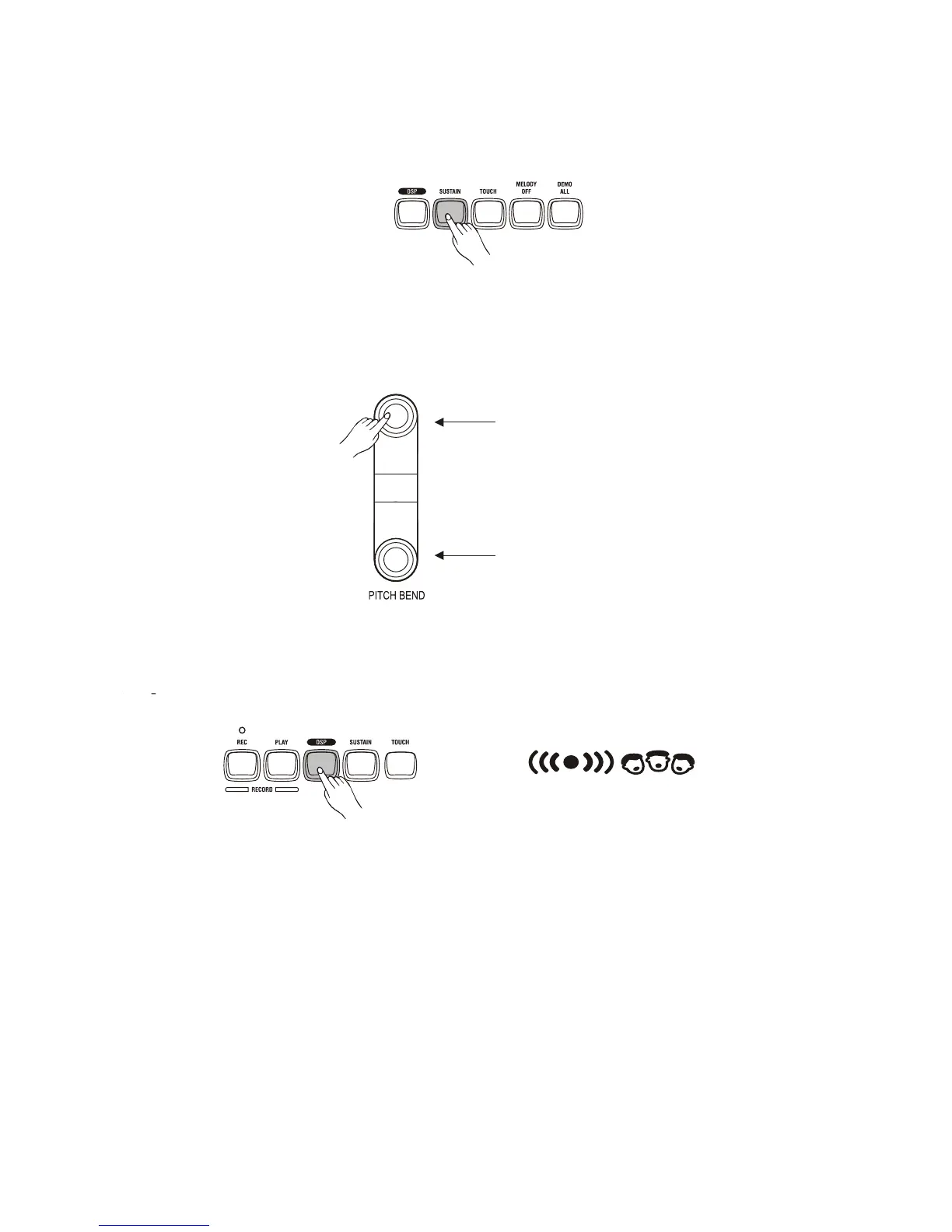
Sustain voice effect
You can add a sustain voice effect to the overall of the sound simply by pressing the [SUSTAIN]
button. Press the [SUSTAIN] button again to turn this function off.
Pitch Bend
The [PITCH BEND] buttons allow the pitch of the notes played on the keyboard to be bend
up or down-press and hold either the [PITCH BEND UP] or [PITCH BEND DOWN] button.
PITCH BEND UP
PITCH BEND DOWN
9
Digital Signal Processor (DSP)
The Digital Signal Processor (DSP) consist of two units (Reverb and Chorus) which process the
Performances with Reverb and Chorus effects. To turn on/off the DSP, simply press the DSP button.
The Reverb and Chorus icon



 To Next Page