7
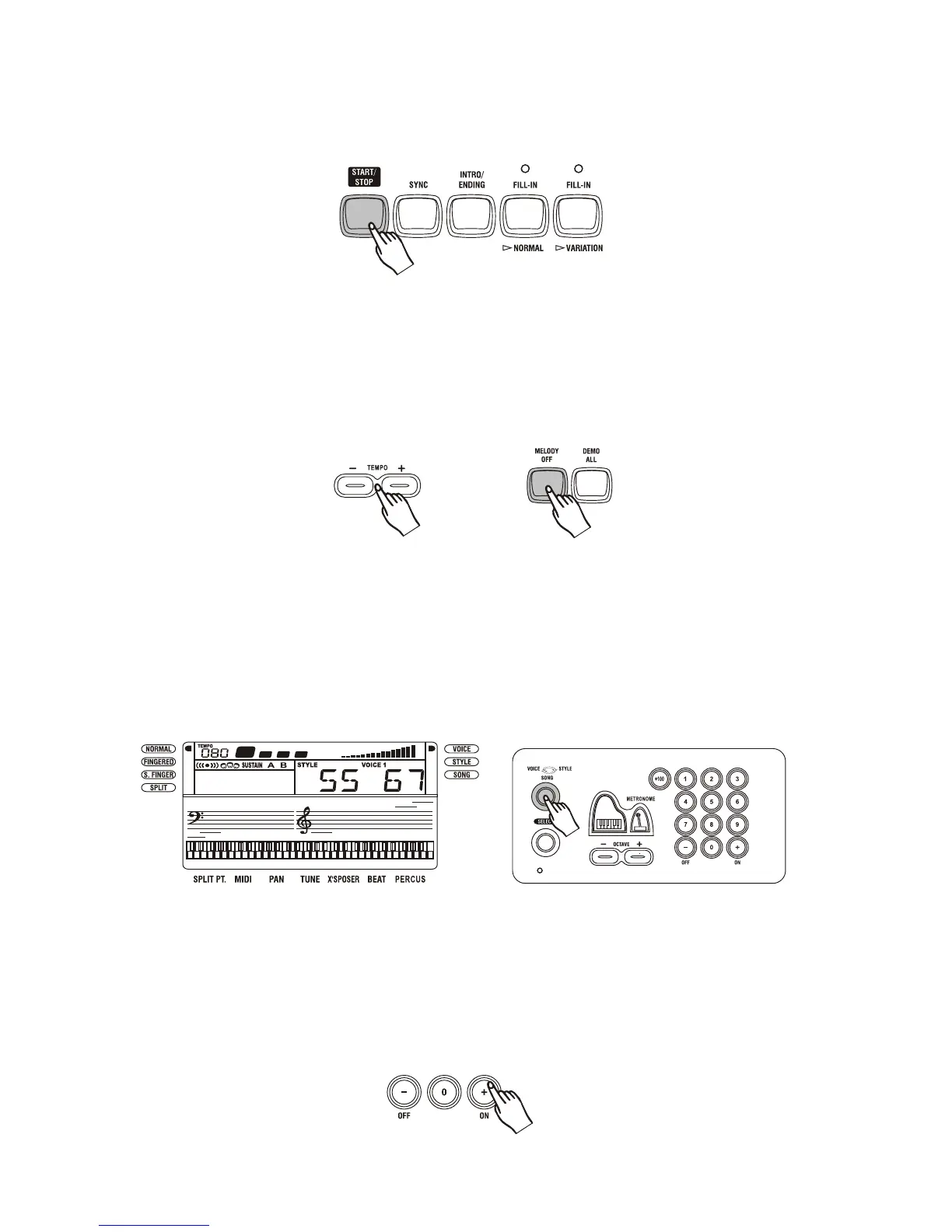
Press the [START/STOP] button to start playing the demo song. The song will play in
endless loop, re-starting after it reaches the end. Press the [START/STOP] button again to
stop the play.
3.
Play along with the demo song
1. While the keyboard is playing the demo song, you can press the [MELODY OFF] button to
cut off the melody part of the demo song.
2. Use the [TEMPO] buttons to adjust the tempo of the selected demo song.
3. Pressing the [MELODY OFF] button again, the melody part of the demo song comes back.
Basic Operation
Selecting & playing voices
The keyboard has 136 PCM voices and percussion kits that you can select and play on the
keyboard. Before you select a voice, make sure you have selected VOICE mode. Press the
[VOICE/STYLE/ONG] button to select the VOICE mode.
The [-/OFF] and [+/ON] buttons:
When the VOICE mode is selected, these buttons step up or down through the voices list.Press
these buttons briefly to step to the next voice in the corresponding direction, or hold the button
to scroll rapidly through the voices in the corresponding direction. The selected voice number
shows in the display.



 To Next Page