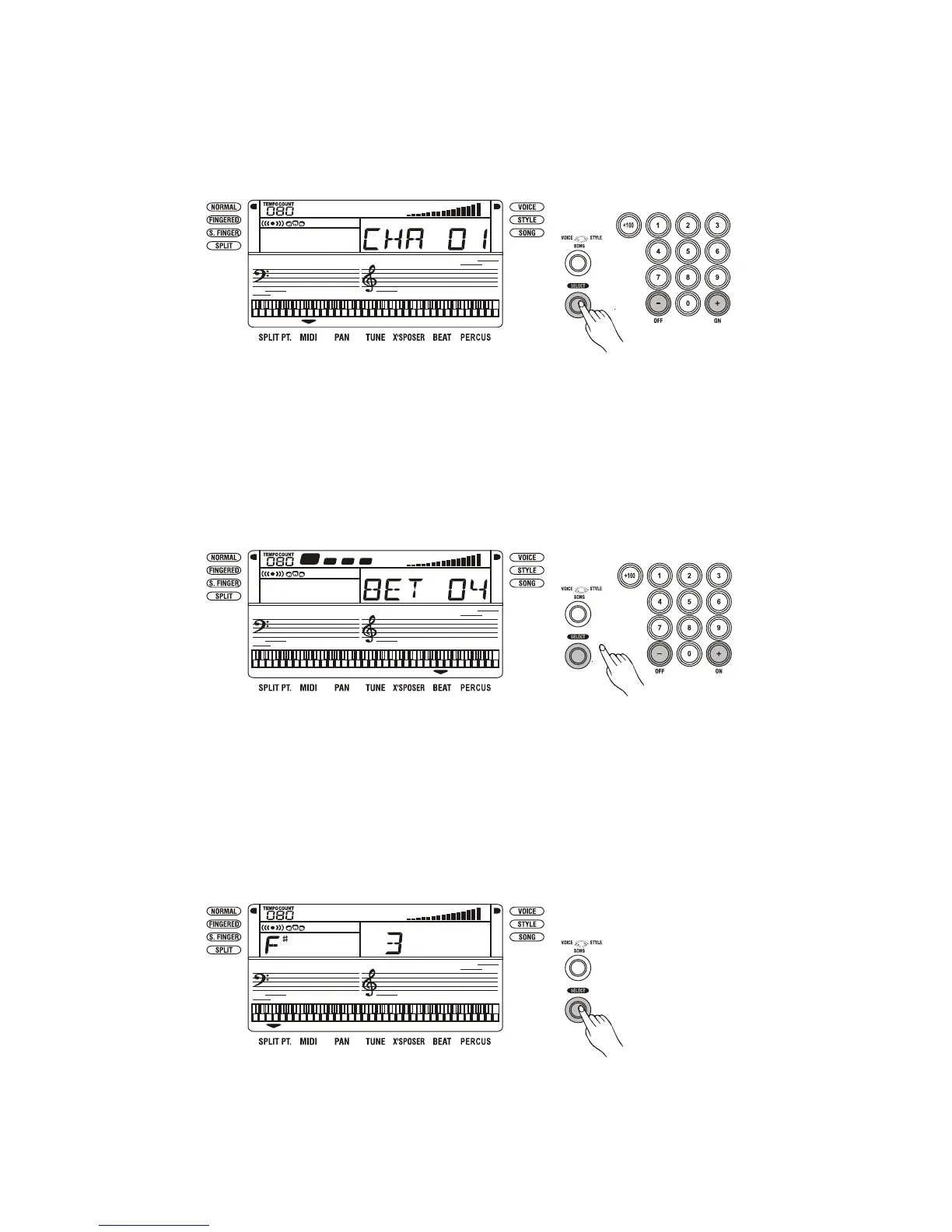
Select the MIDI channel
Press the [SELECT] button as many times as necessary until the arrowhead appears at the above
of MIDI. Then press the [+/ON] or [-/OFF] buttons to select the MIDI channel.
Set the beat level
Press the [SELECT] button as many times as necessary until the arrowhead appears
above the BEAT. Then press the [+/ON] or [-/OFF] buttons to set the beat level.
Split the keyboard
Press the [SELECT] button as many times as necessary until the arrowhead appears next to
SPLIT. The keyboard splits into lower voice and upper voice. In this mode, you can select the lower
voice.
15



 To Next Page