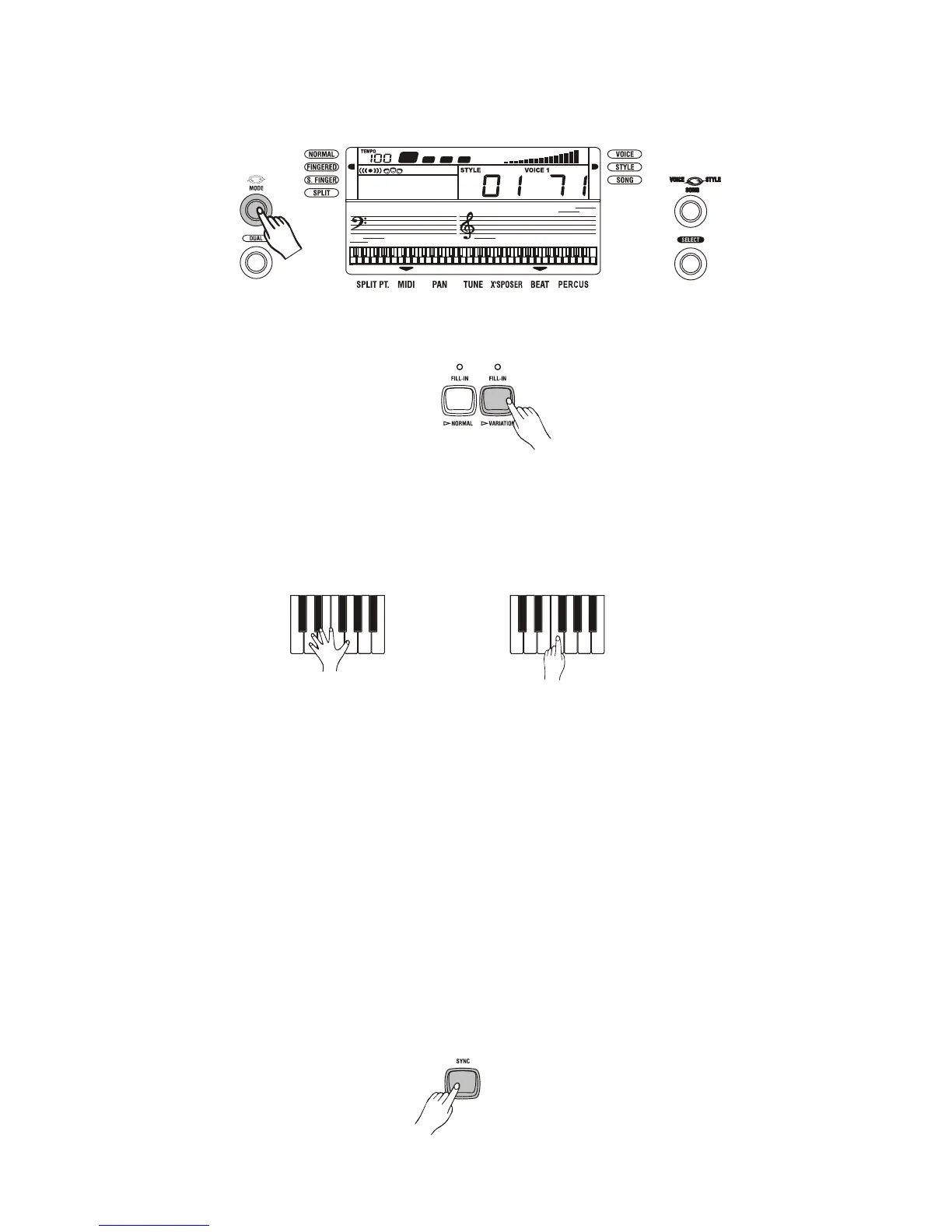
Using Auto Accompaniment
1. Set the MODE to FINGERED or SINGLE FINGER mode by using the [MODE] button.
2. Select the NORMAL or VARIATION accompaniment pattern by pressing the [FILL-IN/
NORMAL] or [FILL-IN/VARIATION] button.
3. Press the [START/STOP] button to start play of the currently selected style.
4. Play a chord. The actual procedure you should use play a chord depends on the current MODE
selected. Refer to the following appendix for details on the chord play.
FINGERED..............................Appendix A
SINGLE FINGER....................Appendix B
FINGERED SINGLE FINGER
4. To stop Auto accompaniment play, press the [START/STOP] button again.
Variations
While playback:
Each styles has two accompaniment patterns, NORMAL and VARIATION. The NORMAL and
VARIATION accompaniment patterns can be selected at any time during playback by pressing
the corresponding button. Whenever you press the [FILL-IN/NORMAL] or [FILL-IN/VARIATION]
button during playback, the keyboard will generate an appropriate fill in pattern which will smoothly
connect the current pattern to the selected pattern even if it is the same pattern.
To use synchro start the accompaniment
1. Press the [SYNC] button to put the keyboard into synchro start standby.
2. Play a chord on the accompaniment keyboard and the style pattern starts to play auto mati-
cally.
11



 To Next Page