Memorize panel settings
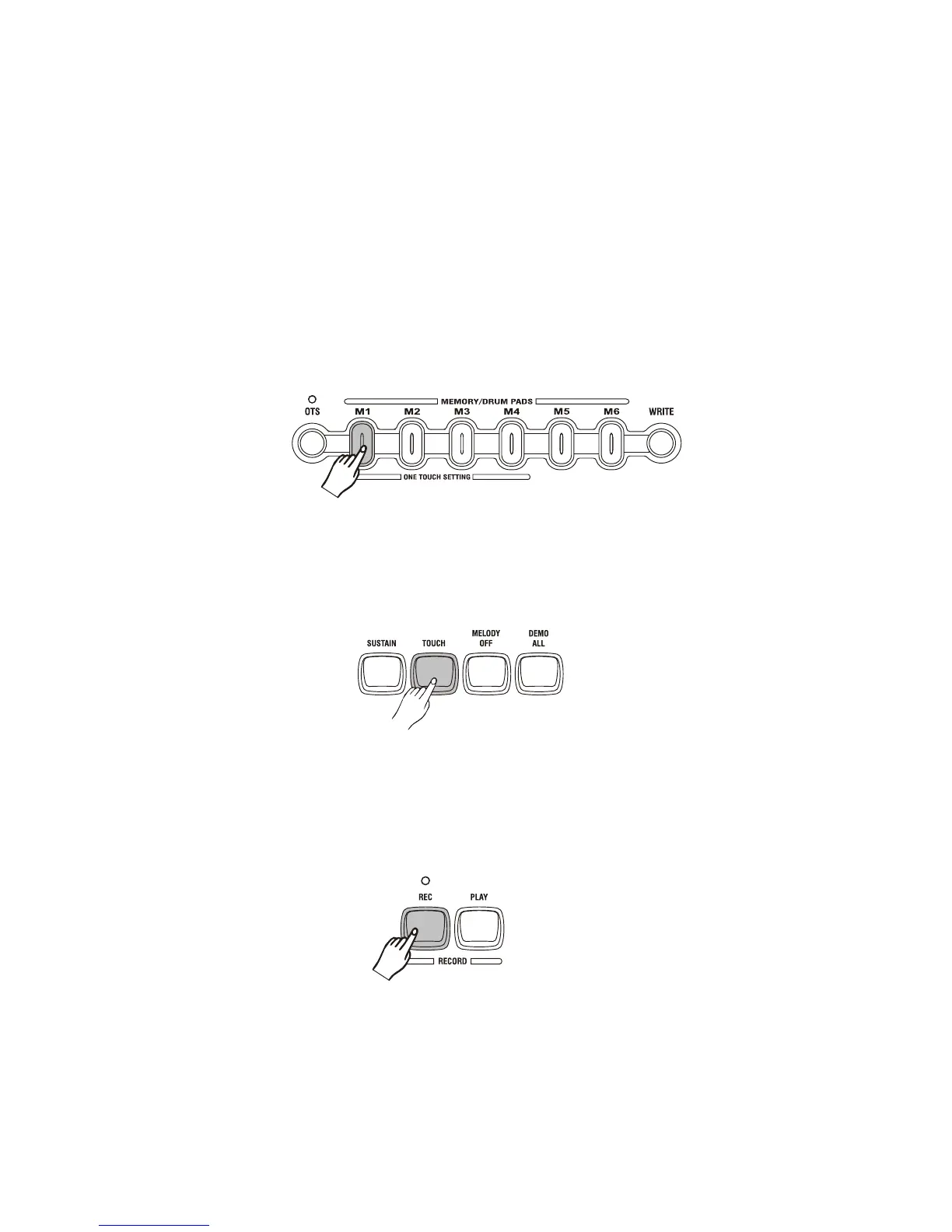
The keyboard has 6 memory pads which can be used to memorize the control-panel setups.
You can press one of the MEMORY/DRUM pads to recall the setups at any time. Make sure that
you have turn off the PERCUS function.
Register the settings:
When you have finished the settings, you press and hold the [WRITE] button, then press one of
the MEMORY/DRUM pads. Any data that was previously in the selected location is erased and
replace by the new settings.
Note:
When you turn off the keyboard, the setting will be erased.
Touch Response keyboard
You can press the [TOUCH] button to turn the touch response keyboard function on or off.
Record & playback
You can record your performance simply by pressing the [RECORD] button. When you finish the
record, press the [RECORD] button again. Press the [PLAY] button, the keyboard playback of your
performance. When you do it again, the previously record will be erased.
16



 To Next Page