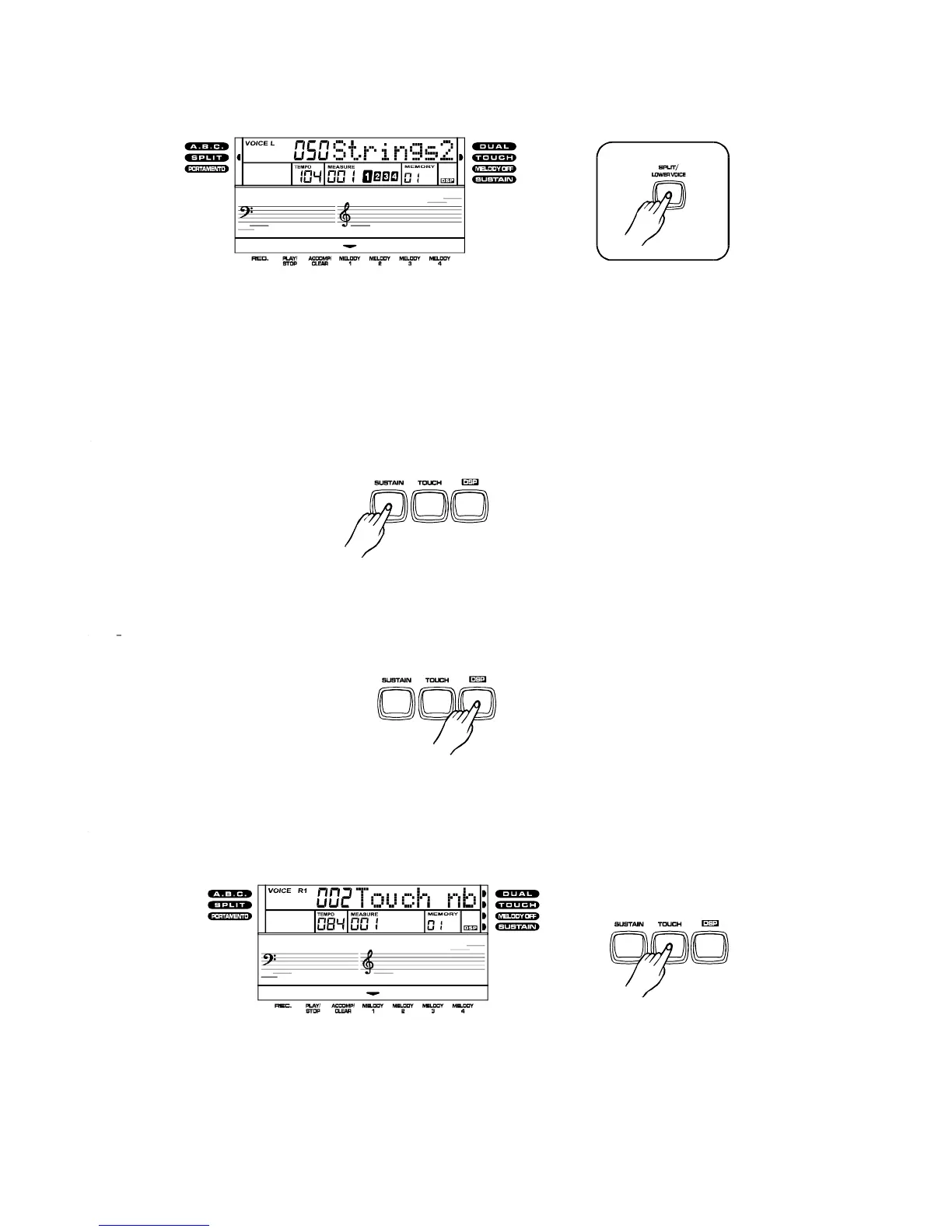
Split/LowerVoice:
1.Pressthebutton,theSPLITindicatorlightsup,andaword
"LOWER"appearsinthedisplay.Thekeyboardwillsplitintotwosections.
[SPLIT/LOWERVOICE]
2.
Youcanusethe[VOICES]buttons,theorthebuttonstoselect
thevoiceforthelefthandsection.
[DATADIAL][-/NO]/[+YES]
3.
ToturnofftheSplit/LowerVoicefunction,pressthebuttonagain.[SPLIT/LOWERVOICE]
Sustainvoiceeffect
[SUSTAIN]
[SUSTAIN]
Youcanaddasustainvoiceeffecttotheoverallofthesoundsimplybypressingthe
button.Pressthebuttonagaintoturnthisfunctionoff.
DigitalSignalProcessor(DSP)
TheDigitalSignalProcessor(DSP)consistoftwounits(ReverbandChorus)whichprocessthe
PerformanceswithReverbandChoruseffects.Toturnon/offtheDSP,simplypresstheDSPbutton.
TouchResponseKeyboard
[TOUCH]
Thekeyboardhastouchresponsefunctionanditisadefaultsettingwhenyouturnonthekeyboard.
Youcanpressthebuttontoadjustthetouchresponselevel,rangesfrom1to3,where2
isthedefaultlevel.
ToturnofftheTouchResponsefunction,pressthebuttonrepeatedlyuntilamessage
"OFFTouchnb"appearinthedisplay.
[TOUCH]
9
PDF 文件使用 "pdfFactory Pro" 试用版本创建 www.fineprint.com.cn



 To Next Page