InstantselectPianovoice
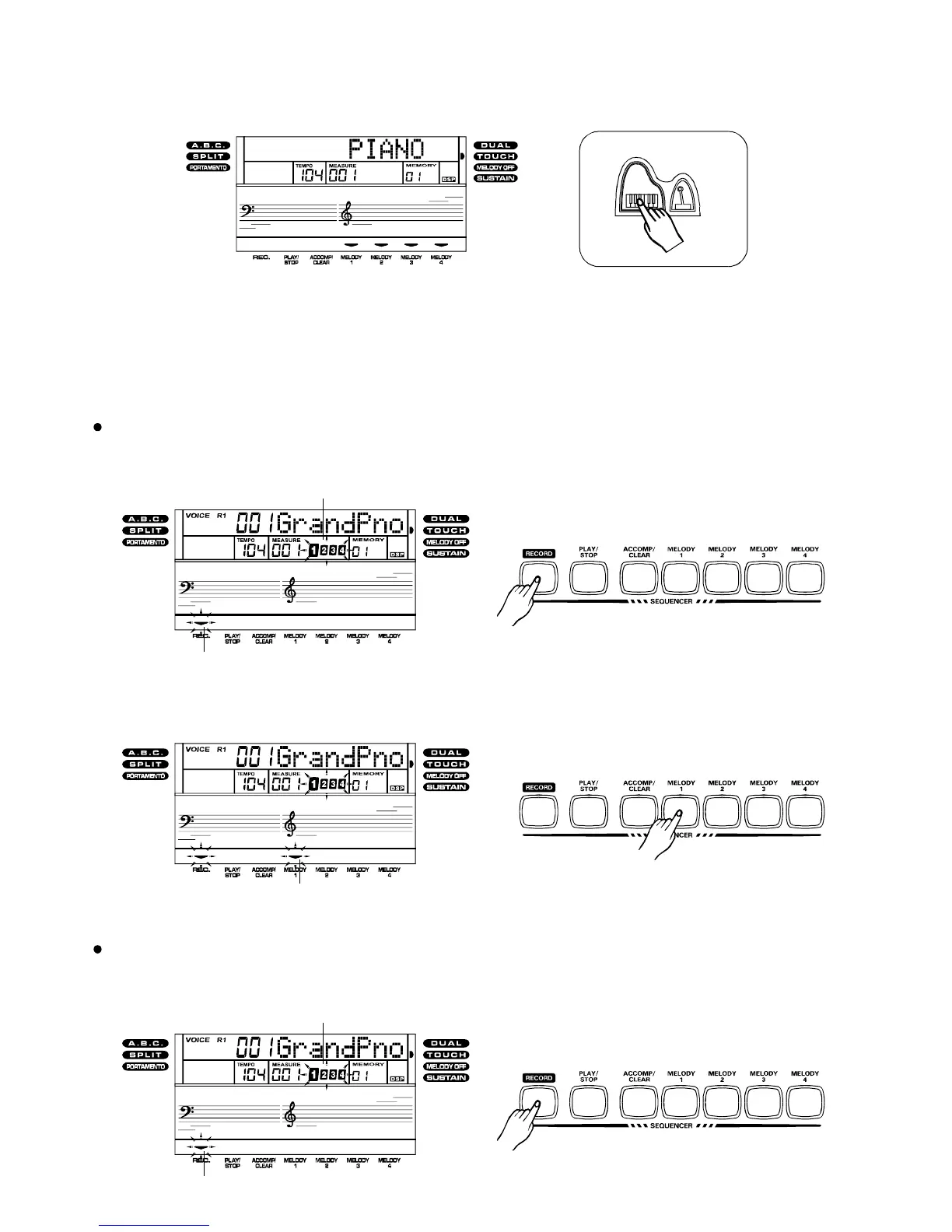
Youcanselectthepianovoicesimmediatelybypressingthe[PIANO]button.Pressthe
[PIANO]buttonagaintoreturntothepreviouslyselectedvoice.
Record
1.Pressthe[RECORD]buttontoengagetheRecordReadymode.TheRecordand
BeatIndicatorwillstarttoflash.
GettingReadytoRecord
18
BeatIndicator
RecordIndicator
Recordingamelodytrack:
2.Selectthemelodytrack[Melody1]~[Theselectedtrack'sindicator
flashesonthedisplay.
button(Melody4]).
MelodyTrackindicator
1.Pressthe[RECORD]buttontoengagetheRecordReadymode.TheRecordand
BeatIndicatorwillstarttoflash.
Recordingamelodytrackandanaccompanimenttrackatthesametime:
Beforeyoustartrecording,yneed:
selectingaVoice,selectingaStyleandsettingtheTempo.
outomakeadifferentsetting
BeatIndicator
RecordIndicator
PDF 文件使用 "pdfFactory Pro" 试用版本创建 www.fineprint.com.cn



 To Next Page