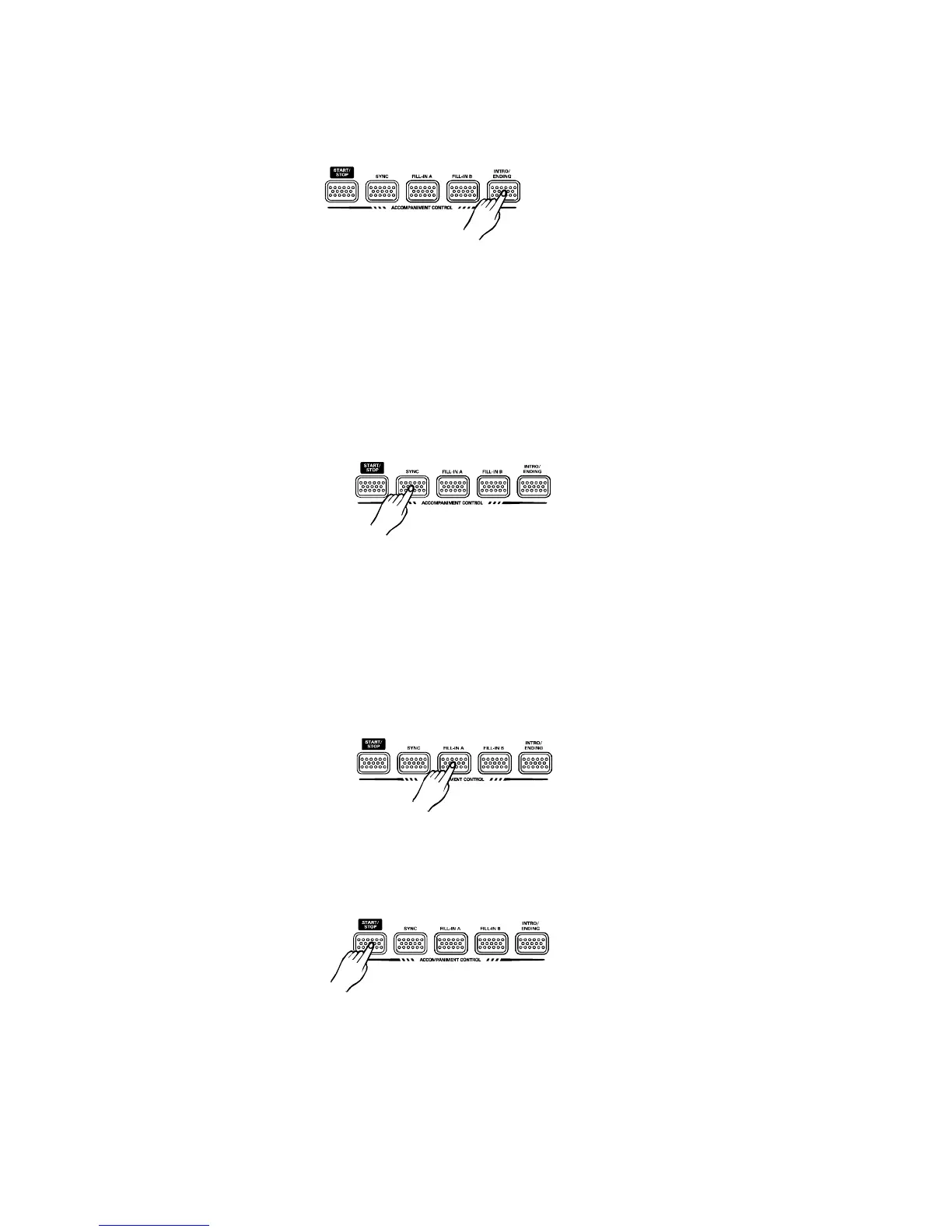
Tostartthestylewithintroductorypattern
1.Pressthebuttontoputthekeyboardintointroductionstartstandby.
2.Pressthebutton,andthenplayachordonthekeyboard.
Thekeyboardplaysanintroductorypatternandthentheselectedstyle.
[INTRO/ENDING]
[START/STOP]
Tostopthestylewithendingphrase
Whilethestyleisplaying,pressthebuttonandthekeyboardwillplayan
endingphraseandthenstoptheplay.
[INTRO/ENDING]
Usesynchrotostartthestyle
1.Pressthebutton,thedisplayshowstheflashingbeatindicatorandputthekeyboard
intosynchrostartstandby.
2.Playachordonthekeyboardandthestylestartstoplayautomatically.
[SYNC]
SelecttheFillInandchangeStyleVariation
EachStylehastwoaccompanimentpatterns,NORMALandVARIATION,whichyoucanselect
atanytimebeforeorafterstartingtoplaytheStylesbypressingthecorrespondingbutton.The
statusisshowninthedisplay,AisNormal,andBisVariation.
Whenyoupresstheorbuttonduringplayback,thecurrentpatternis
interruptedbyanappropriateFillin,thenitproceedwiththesamepatternorvariation,depending
onwhichbuttonyoupress.
[FILL-INA][FILL-INB]
TostoptheStyleimmediately
TostoptheStyleimmediately,pressthebutton.[START/STOP]
12
PDF 文件使用 "pdfFactory Pro" 试用版本创建 www.fineprint.com.cn



 To Next Page