Need help?
Do you have a question about the Medeli Portable digital drum DD305 and is the answer not in the manual?
Handle the instrument with care to prevent physical shocks and damage during movement.
Follow guidelines for using AC adapter or batteries to ensure proper power operation.
Ensure all devices are powered off before connecting or disconnecting cables to prevent damage.
Connect the specified AC adapter to the DC IN jack for power.
Insert six 'C' size batteries, observing polarity markings.
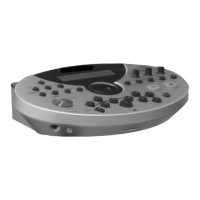
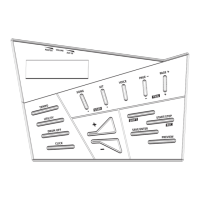
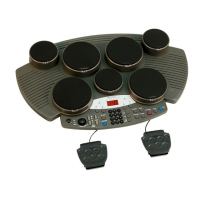
Details the buttons, display, and pads on the top control panel.
Description of PHONES, KICK, HI HAT, USB, and DC IN connections.
Instructions on how to enter the kit menu and select kits (1-30).
Assigning specific instrument sounds (1-215) to drum pads.
Steps for recording drum performances and playing them back.
 General
| Type | Portable digital drum |
|---|---|
| Songs | 50 preset songs |
| Metronome | Yes |
| Headphone Jack | Yes |
| Aux Input | Yes |
| Display | LED display |
| Connectivity | MIDI Out |
| Power Supply | DC 9V or 6 x AA batteries |


 To Next Page