EasyManua.ls Logo

Medeli DD522 - User Manual

Medeli DD522
32 pages
Print Icon
To Next Page IconTo Next Page
Loading...
0
5
25
75
95
100
AW_DD522_manual_G04_140310
2014󾾠󾾠3󾾠󾾠12󾾠󾾠 13:11:56

Questions and Answers

  • R
    Robert MccarthyAug 1, 2025
    What to do if Medeli Drums cannot connect to the computer?
    • M
      Mandy CollinsAug 2, 2025
      If your Medeli Drums aren't connecting to your computer, first ensure the USB cable is properly connected. If the connection is secure, try reconnecting by keeping your computer powered on, then turning on the drum module before plugging in the USB cable. Note that the drum module should automatically connect to your PC without needing any software driver installation.
  • M
    Mark KaiserAug 9, 2025
    How to fix Medeli DD522 Drums when there is no sound?
    • P
      Patricia ClarkeAug 9, 2025
      If you're not hearing any sound from your Medeli Drums, ensure that the [VOLUME] knob is not set too low. Also, verify that the Local Mode is set to 'ON'.
  • R
    Richard WarrenAug 17, 2025
    What to do if there is no sound from pads on Medeli DD522?
    • T
      Theresa PhillipsAug 17, 2025
      If you're not getting any sound from the pads on your Medeli Drums, make sure the pad is correctly connected. Also, check that the pad volume isn't set to 0.
  • F
    Faith WatsonAug 23, 2025
    Why is there no click sound on my Medeli DD522?
    • T
      Toni Ramirez DVMAug 23, 2025
      If you cannot hear the click sound on your Medeli Drums, first ensure that the metronome is turned on. Also, make sure the click volume isn't set to 0.

Summary

Information for Your Safety

FCC Regulation Warning

Warning regarding FCC compliance for digital devices and potential interference.

General Precautions

Guidelines for safe operation, power supply, connections, location, and cleaning.

Main Features

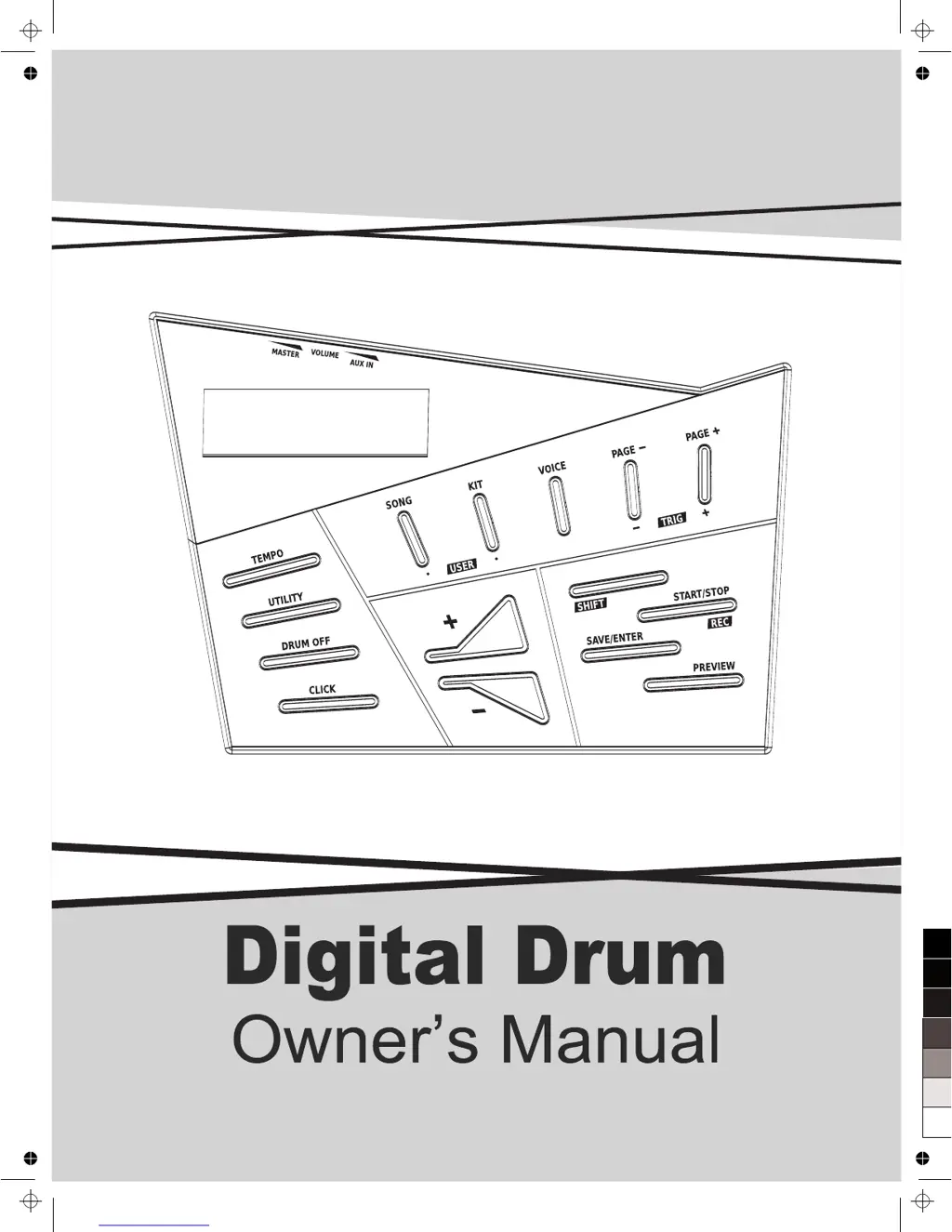
Panel and Display Description

Setup

Connecting Pads and Pedals

Instructions for physically connecting the drum pads and pedals to the drum module.

Getting Ready to Play

Drum Kit Selection and Creation

Saving User Drum Kits

Steps to save custom drum kit configurations and voice edits.

Playing Along with a Song

Utility Mode Settings

Drum Pad Trigger Settings

Advanced configurations for pad response, sensitivity, and crosstalk.

Drum Module System Settings

System-level configurations including L-R EXCH, Local, GM Mode, and Auto Power Off.

Recording Your Performance

Downloading MIDI Songs from Computer

Troubleshooting and Messages

Problem Resolution

Solutions for common issues like no sound or connectivity problems.

Specifications

Medeli DD522 Specifications

General IconGeneral
TypeElectronic Drum Kit
User Kits10
DisplayLCD
MIDI In/OutYes
MIDI OutYes
USBYes
Headphone OutputYes
Audio InputYes
Built-in MetronomeYes
Number of Preset Rhythms50
User Rhythms10
Polyphony64
ConnectorsMIDI, USB, Audio Output, Headphone Output
Power Supply9V DC
Demo Songs10 songs
Songs10 demo songs
Preset Kits10 preset kits

Related product manuals