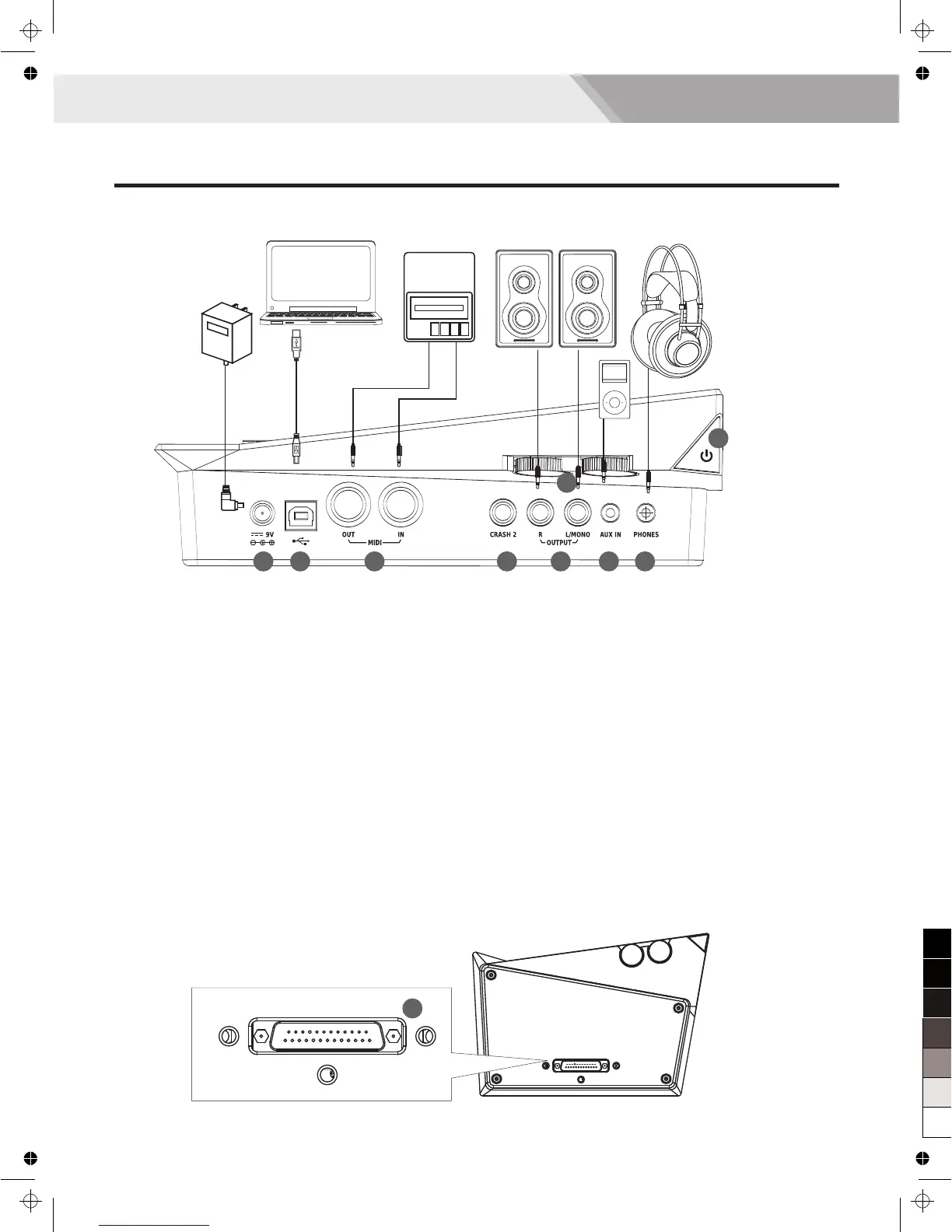
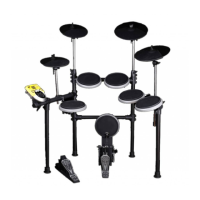
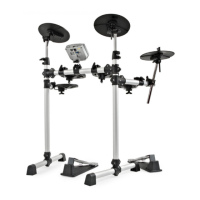
15. DC IN jack
Connect the AC adaptor here. Plug the AC adaptor cable
into the DC IN jack.
16. USB MIDI Terminal
Use this when you want to connect a PC/laptop or USB
host device.
Note:
Only transmit MIDI data.
17. MIDI Terminal
Use this to connect extra MIDI sequencer, transmit
MIDI data.
MIDI IN Connector: receive MIDI data; you can receive
MIDI data from an extra MIDI device or a PC/laptop.
MIDI OUT Connector: send MIDI data; you can send
MIDI data to an extra MIDI device or a PC/laptop.
18. CRASH 2 jack (1/4”)
This allows you to connect additional Crash 2.
19. jack (L/ MONO, R) (2×1/4” )
For connecting to your audio system or amplifier, all
sounds from the module are output here.
L/ MONO jack: output sound in MONO.
R and L/ MONO jacks: output sound in stereo.
OUTPUT
15 16 17 18 19 20 21
23
22
20. AUX IN jack (1/8”)
For connecting an extra audio player, for example, Mp3
and so on via a stereo plug. You can enjoy playing the
drum along with your favorite songs.
21. PHONES jack(1/8”)
Connect stereo headphones here. Detecting all output
sounds. Plug the headphone cable into this jack, sound
will still be output from the OUTPUT jacks.
22. VOLUME knob
AUX IN: adjust the volume of extra audio.
MASTER: adjust the volume of headphone and output.
Note:
Before turning the module on, always be sure to turn the
volume down.
23. POWER button
Press this button to power on / off the module.
24. TRIGGER INPUT CONNECTOR terminal
Connect the included dedicated cable to this connector,
and use it to connect the pads and pedals.
24
Side Panel (Connecting)
6
MIDI Device
Note:
To prevent malfunction and equipment failure, alwaysturndown the volume, and turn off all the units before making any connections.
Panel & Display Description


 To Next Page