Step 2: Complete Your Installation
1
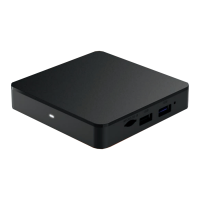
Power on your television and your new DVR
Cable Box. Using your television remote control,
tune the TV to the appropriate HDMI input.
2
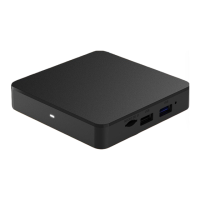
Install any additional boxes you may have ordered.
3
Call 1-800-562-9769 and follow the instructions
to activate your new box(es).
4
Once each box has been activated, it will turn
off automatically. Please wait five minutes
before powering it back on.
Once the DVR Cable Box is activated, you will be able to
watch television while the guide information is downloading.
You may see a “To Be Announced” message displayed until
the guide download is complete.
MEDMN00034


 To Next Page