English
16
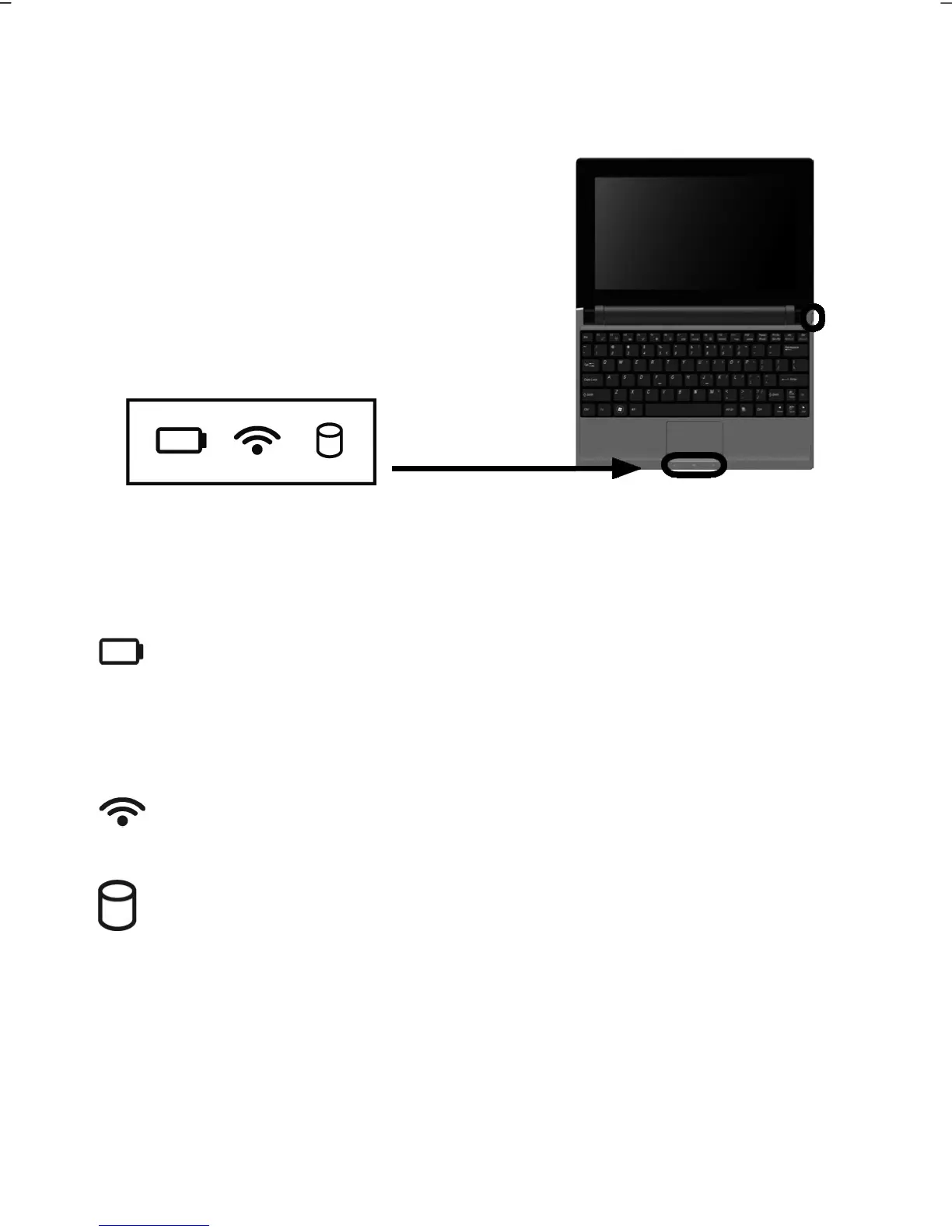
Device Indicators
LED's indicate the power and operating system states of the Netbook. The meaning of
each LED is:
Operating indicator (= On/Off Switch)
The indicator will shine blue if the system is switched on.
The indicator will flash if the system is in the Energy-saving mode.
The indicator will go out if the system is switched off or is in hibernation.
Battery LED
This LED lights when the battery is charging.
The display will go out if the battery is being charged.
The display will flash if the charging status of the battery is below 10 % and the mains
adapter is not connected.
WLAN/Bluetooth LED
This LED lights when the Wireless LAN / Bluetooth function is activated.
Access indicator
This LED lights or flashes when the Netbook is accessing the hard disk.



 To Next Page