The Sound Card
43
Safety Handling
Components
Help Appendix
External Audio Ports
Your Netbook has a loudspeaker, so you can always playback sounds without additional
equipment. The use of the external connections gives you a good opportunity to connect
your Netbook to external devices.
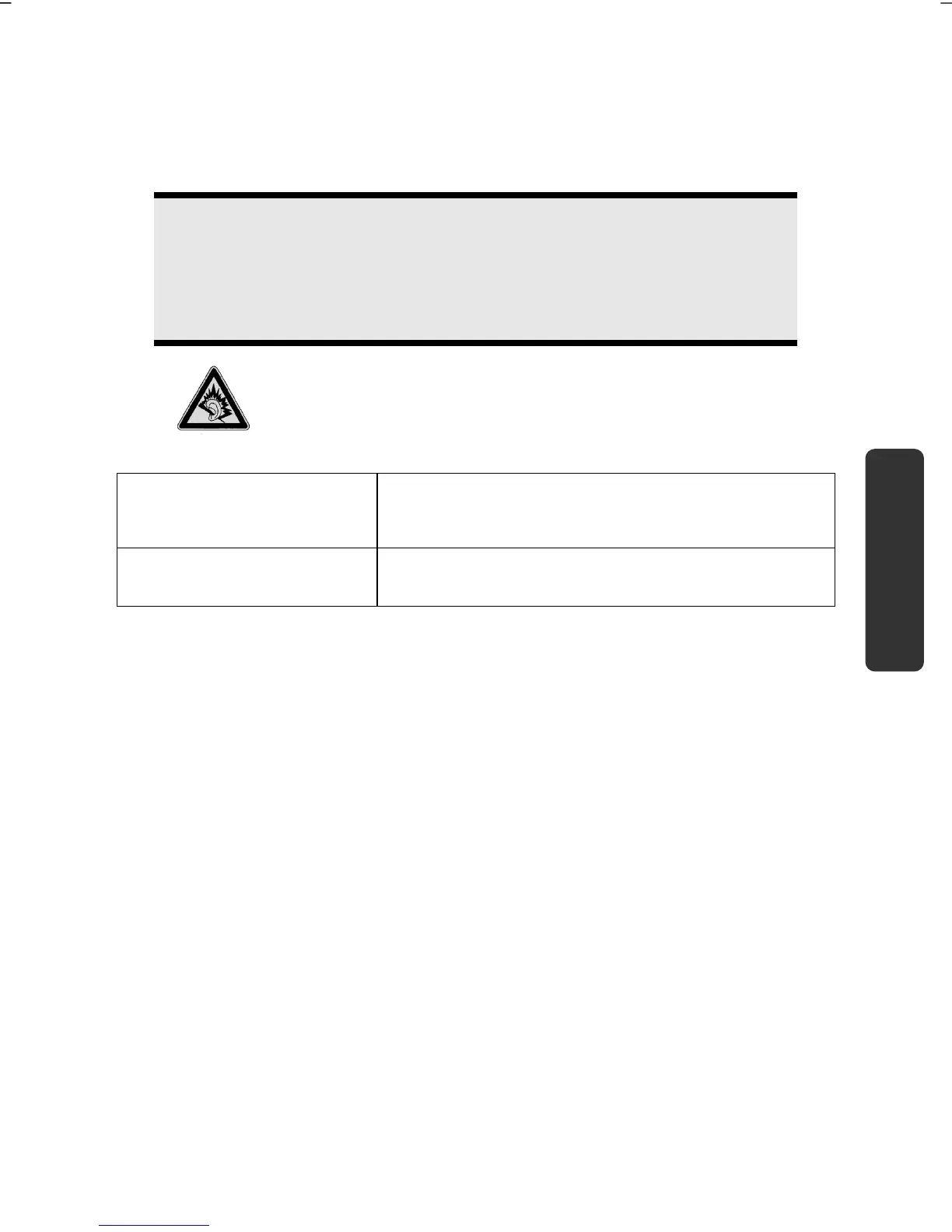
Caution!
The use of earphones with a high volume can lead to lasting damage to your
hearing. Set the volume to the lowest level before reproducing any sound.
Start the sound reproduction and increase the volume to the level that is
comfortable for you.
It can cause damage to the hearing ability of the
listener if a device is operated through earphones with
an increased volume for a long period.
Audio Out
(12)
For sound reproduction via external stereo
equipment such as loudspeakers (active) or
headphones.
Microphone In
(13)
For recording via an external microphone.



 To Next Page