Power Supply
27
Safety Handling
Components
Help Appendix
Power Supply
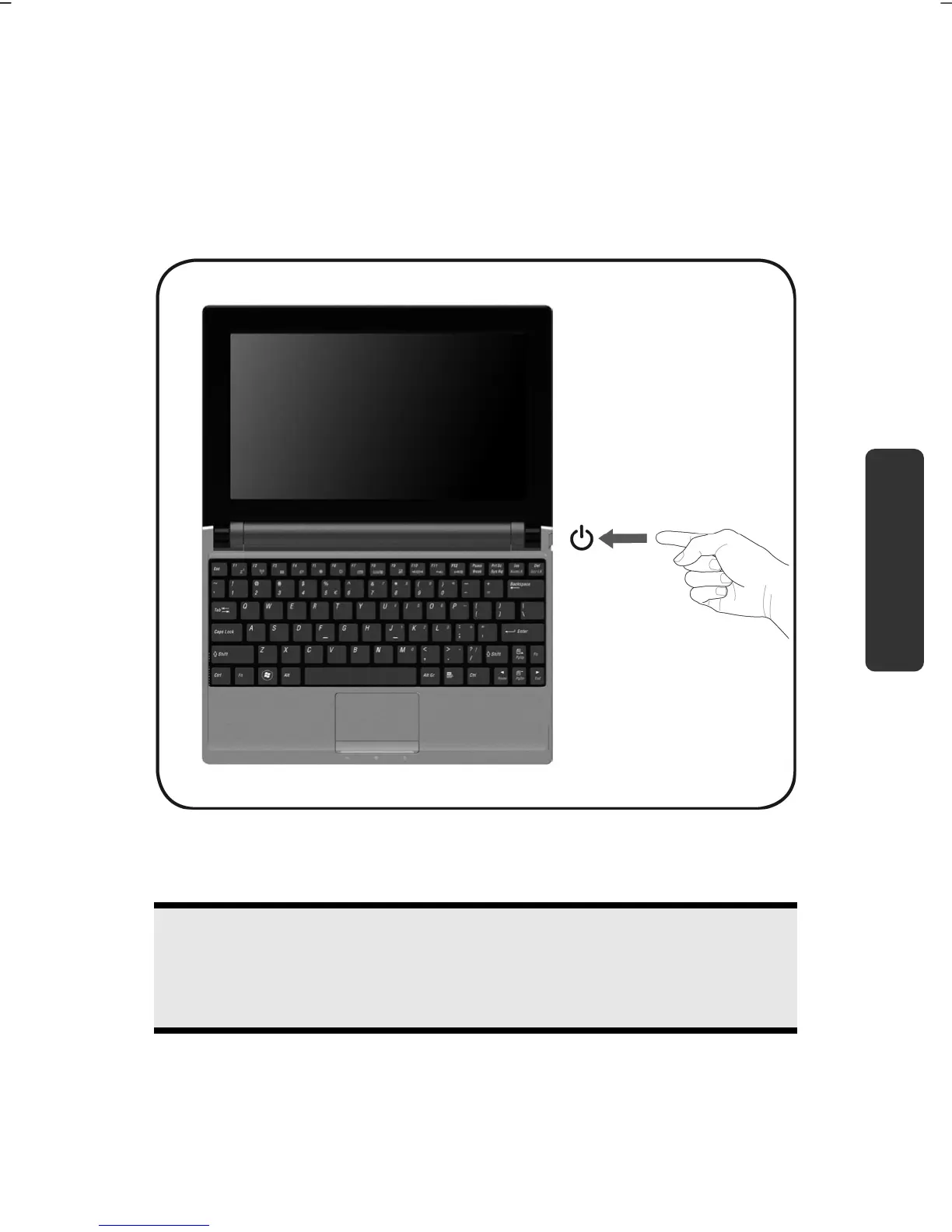
On/Off Button
Power on or off your Netbook by pressing the on/off button briefly.
The operational indicator will inform you about the operational status of the Netbook. The
Netbook will always be switched off, if the main switch is pressed for more than
4 seconds.
Warning!
Do not switch off your Netbook while the hard disk is running. Otherwise
data may be lost. To protect the hard disk you should always wait for 20
seconds after powering down the Netbook before powering it up again.



 To Next Page