English
38
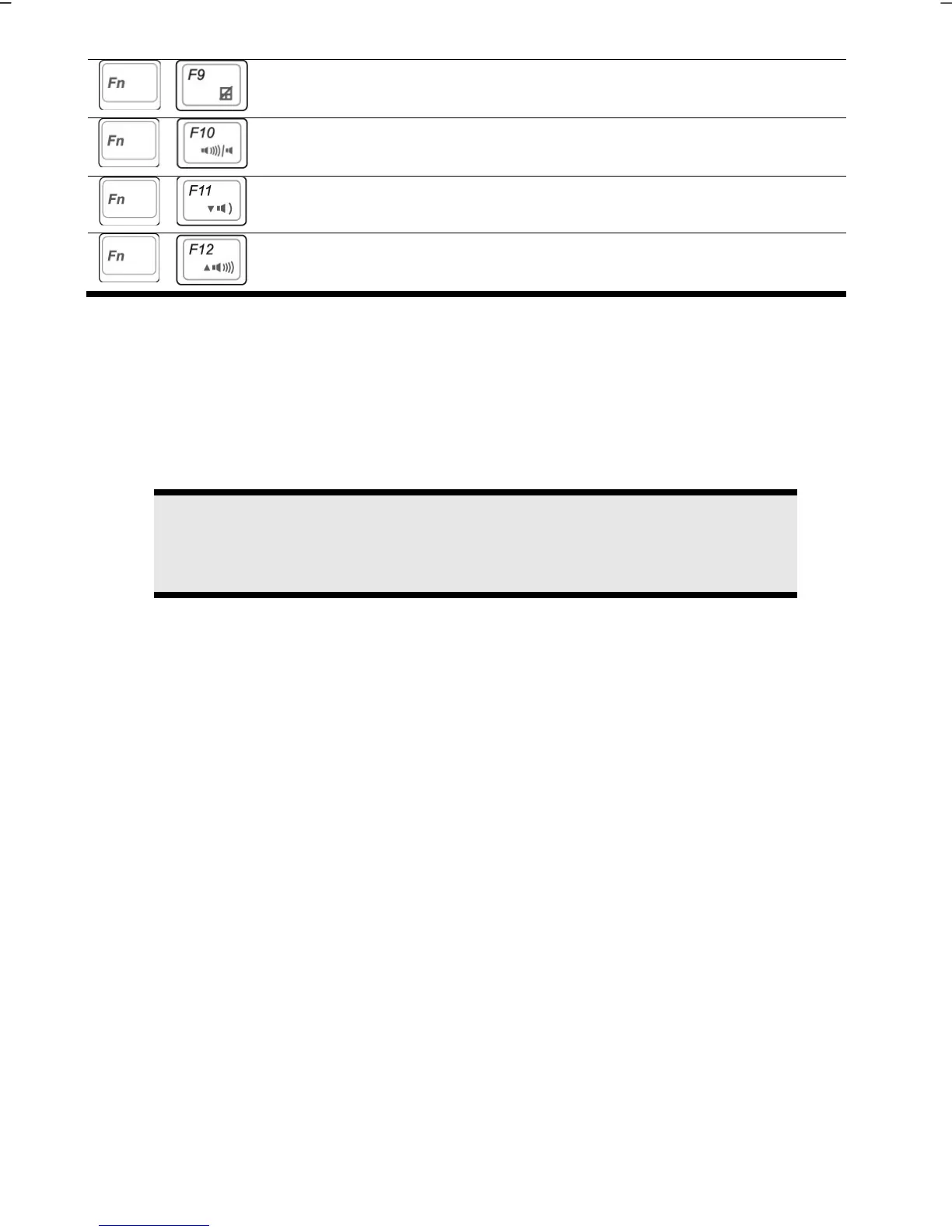
Touchpad
Switches the touchpad on / off.
Mute
Switches the loudspeakers on / off.
Decreases the volume.
Increases the volume.
Touch Pad
The touchpad is positioned in front of the keyboard.
The mouse pointer (cursor) follows the direction pre-determined on the touchpad by the
movement of your finger in the normal mode.
Caution!
Do not use a ball-point pen or other object on the touch pad, as this could
damage or cause a malfunction of your touch pad.
Below the touch pad are the left and right mouse buttons which can be used as on a
normal mouse.
You can also perform a direct click or double click using the touch pad by tapping the
surface briefly once or twice.
In the Windows
®
Control Panel you will find a number of useful settings that will make
using the touch pad easier.



 To Next Page