21 of 78
Telephone: 1300 884 987
Internet: www.medion.com.au
After Sales Support
6. Power Supply
6.1. On/Off Switch
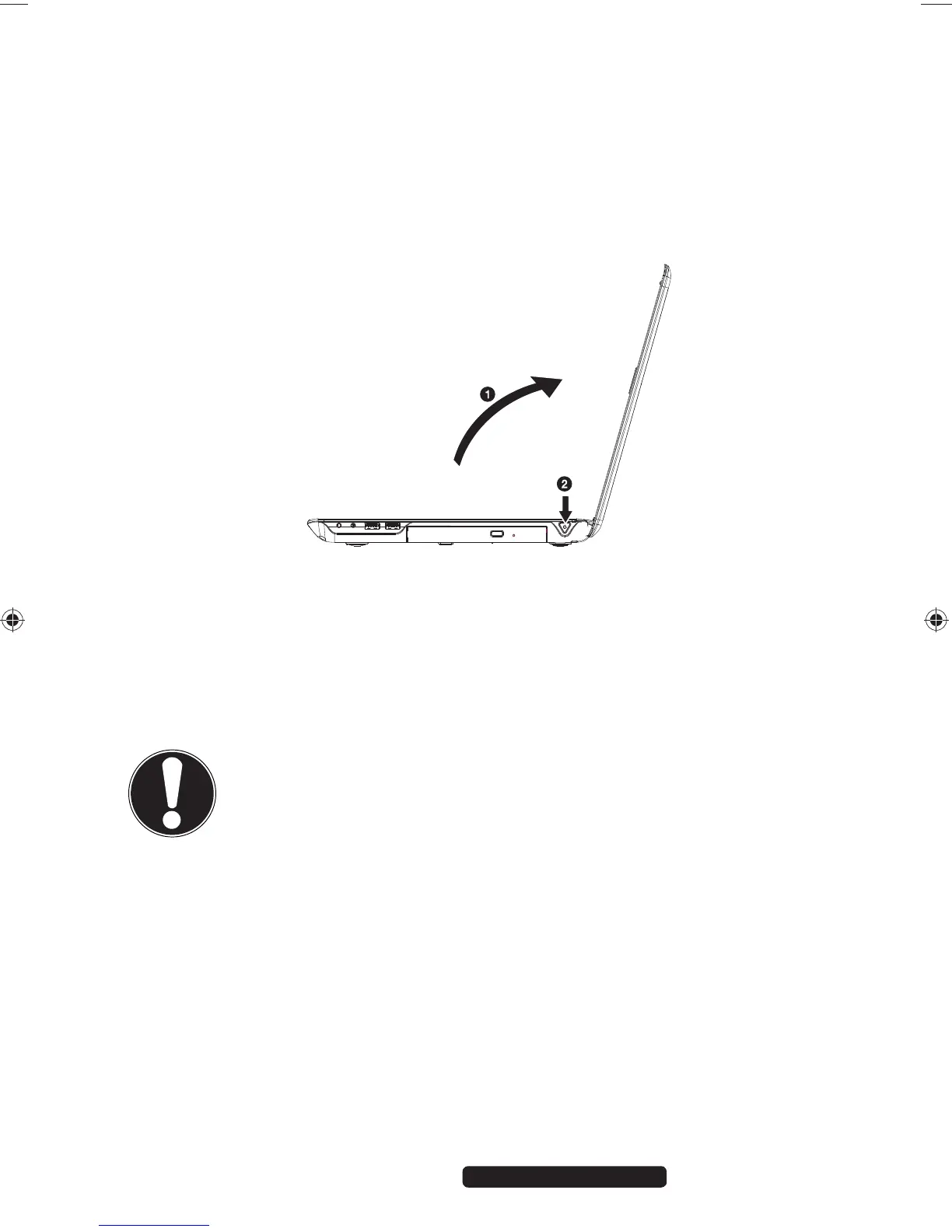
Open the Notebook (1) and hold the on/off switch down briefly to switch the
Notebook on or off (2).
The operating light indicates the current operating mode. Regardless of the
operating system, the Notebook will switch off if the switch is held down for longer
than 4 seconds continuously.
CAUTION!
Do not switch your Notebook off while the hard drive or optical
drive is being accessed. Otherwise data may be lost. To protect
the hard drive, you should always wait for 5 seconds after
switching off the Notebook before switching it back on again.
99222 E6232 Aldi AUS RC2 Content.indd 2199222 E6232 Aldi AUS RC2 Content.indd 21 29.01.2013 09:26:5729.01.2013 09:26:57














 To Next Page