31 of 78
Telephone: 1300 884 987
Internet: www.medion.com.au
After Sales Support
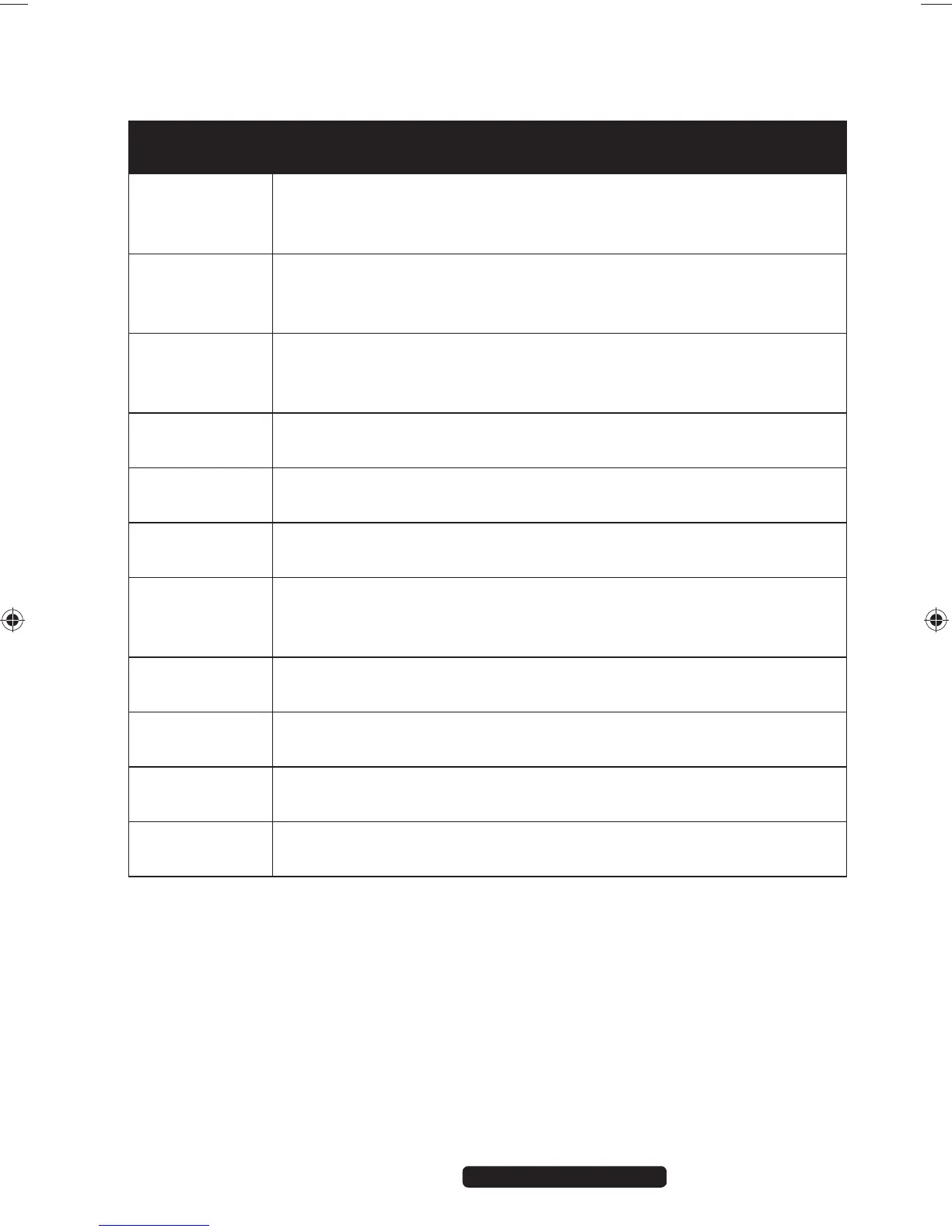
8.1.1. Notebook-Specific Keyboard Shortcuts
Short
Cuts
Description
Fn + F2
Sleep
To configure these keys to suit your requirements, please go to
Power Options.
Fn + F3
Display
Switches the screen display between LCD, external display and
duplicate display.
Fn + F4
Background lighting
Turns off background lighting for the integrated display to save
power. The lighting is turned back on by pressing any key.
Fn + F5
Mute
Switches the sound on or off.
Fn + F6
Touchpad
Switches the touchpad on and off.
Fn + F9
Webcam
Enables or disables the webcam.
Fn + F11
Flight mode
Opens the user interface for switching the WLAN and/or
Bluetooth function on or off.
Fn + ↑
Louder
Increases the playback volume.
Fn + ↓
Quieter
Decreases the playback volume.
Fn + ←
Darker
Reduces the brightness of the display.
Fn + →
Brighter
Increases the brightness of the display.
99222 E6232 Aldi AUS RC2 Content.indd 3199222 E6232 Aldi AUS RC2 Content.indd 31 29.01.2013 09:26:5929.01.2013 09:26:59














 To Next Page