After Sales Support TEL: 1300 884 987 WEB Support: www.medion.com.au
31
Battery Operation
NOTICE!
Please charge and discharge the new battery completely two to
three times in succession. Only then will it achieve its full
performance level!
Batteries store electrical energy in their cells and then deliver it when needed.
The useful life and performance of your battery will depend on careful handling.
The battery should be completely discharged before a charging process and completely
charged again in order to optimise its useful life and its performance.
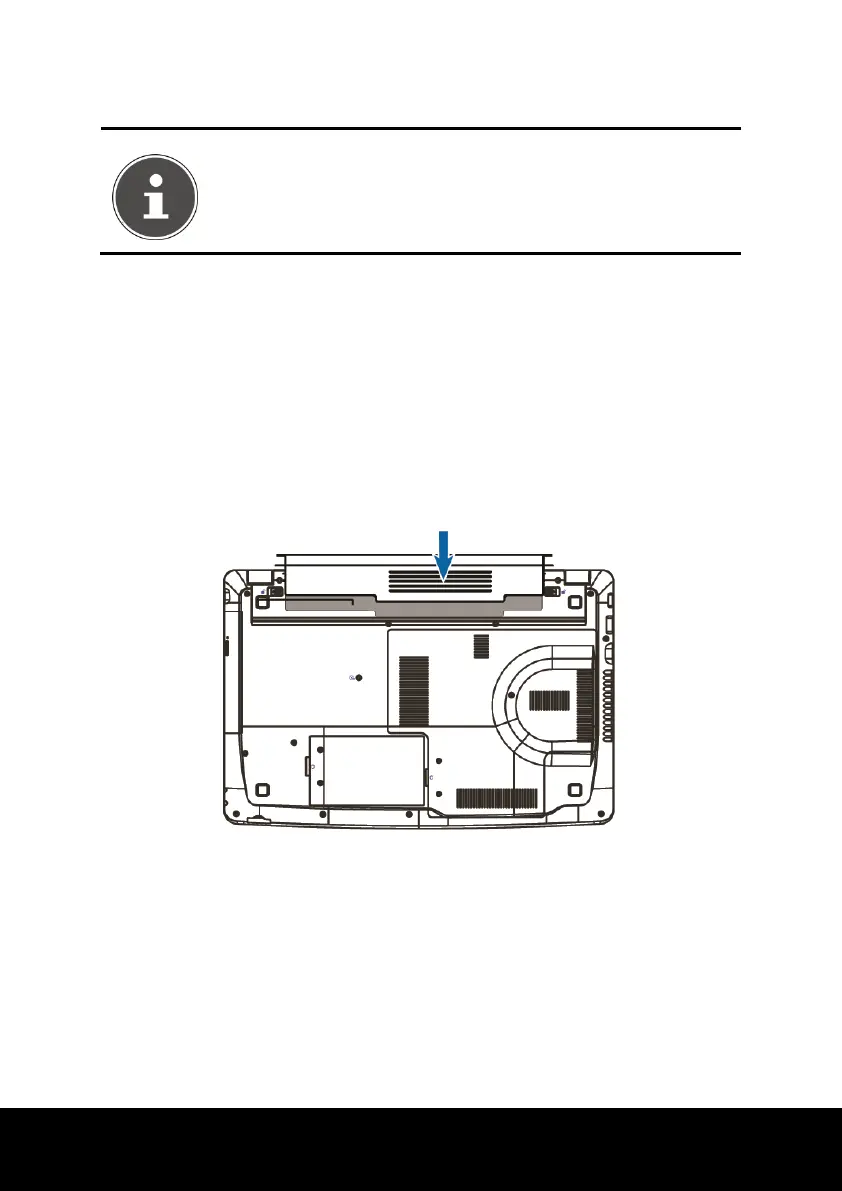
Inserting the Battery
► Insert the battery before bringing the notebook into operation by sliding the
battery pack into the compartment. The battery should remain locked in order to
avoid it falling out.















 To Next Page