13 of 16
7. Operation
7.1. Connect to an audio signal
Connect the 3.5 mm stereo audio output jack of your
audio output device using the 3.5 mm cable to the
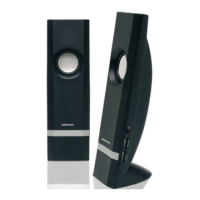
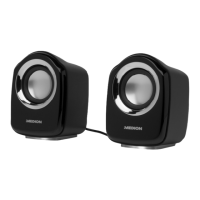
input AUDIO IN on the left loudspeaker.
7.2. Connecting to a power supply
Switch on the computer and all peripheral devices.
Insert the DC plug of the USB cable into the DC IN
connection socket on the rear of the loudspeaker
that has the connection sockets.
Insert the USB plug into a free USB port on your
computer.
Turn the volume control button on the
loudspeaker to switch on the loudspeaker. The
bottom of the loudspeaker will light up.
7.3. Setting the volume
Turn t he volume control on the loudspeaker to
adjust the volume to the level required. Turning to
the right “+“ increases the volume; turning to the
left “-“ decreases the volume.
86506 EN Sainsbury UK Content RC2.indd 1386506 EN Sainsbury UK Content RC2.indd 13 22.05.2013 12:52:3522.05.2013 12:52:35


 To Next Page