Questions? Refer to Page 10-13 For Customer Care Information.
8-51
What You See
on the Display
What You Do Comments
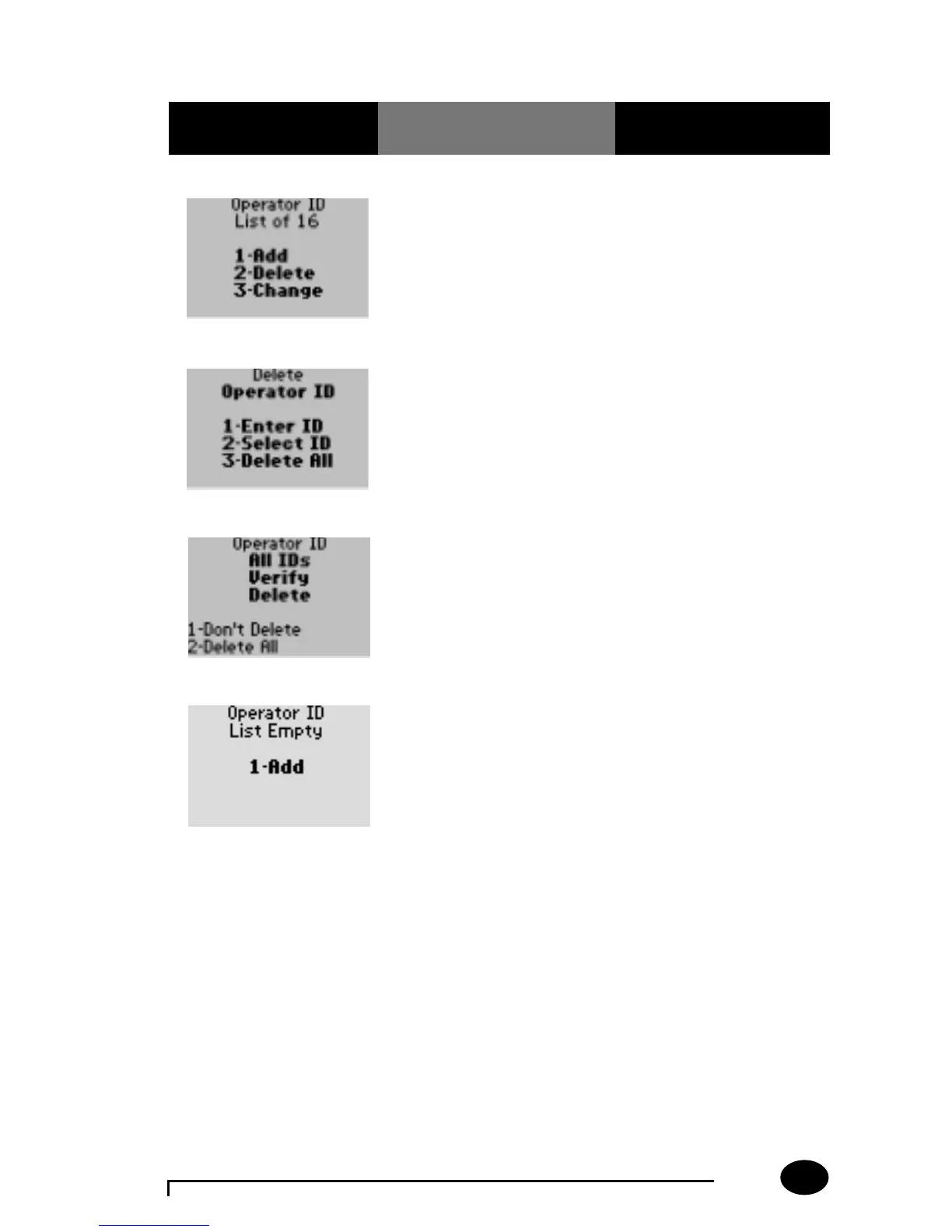
1. Press 2 – Delete. The display shows the
Delete Operator ID menu.
2. Press 3 – Delete All. The display prompts the
operator to verify the
delete.
Delete All Operators on the Operator List:
3. The administrator will
do one of the following
options:
Press 1 – Don't Delete.
Return back to step 2.
Press 2 – Delete All.
The IDs are deleted from
the list and the display
returns to the Operator ID
List menu.
4. The administrator will
select one of the
following options:
Press Clear to return to
the Edit Lists menu.
Press Menu to return to
the Menu Mode.
Press On/Off to turn off
the monitor.



 To Next Page