5-2
What You See
on the Display
What You Do Comments
Data Review:
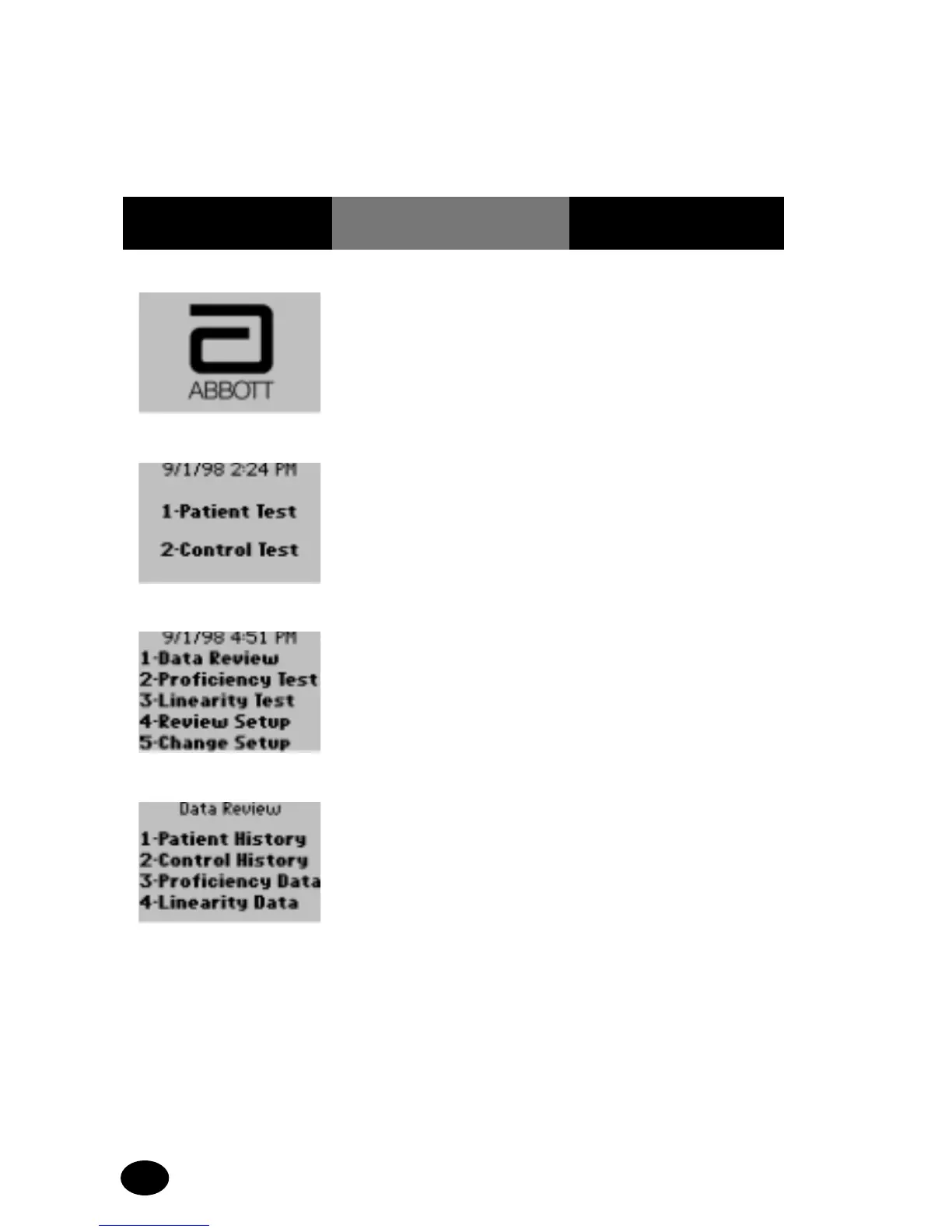
Follow these steps to access the Data Review menu:
If the monitor displays a message not indicated in these procedures,
please refer to section 10, Troubleshooting.
1. Press the On/Off
button to turn the
monitor on.
The Abbott logo screen
will appear for a few
seconds, followed by the
product name, software
version and then the Test
Mode menu.
2. Press the Menu button. The Menu Mode screen
will appear next.
3. Press 1 – Data Review. The Data Review menu
appears.
At this point, Patient
History, Control History,
Proficiency Data as well
as Linearity Data can be
viewed.



 To Next Page