9-2
Docking Station
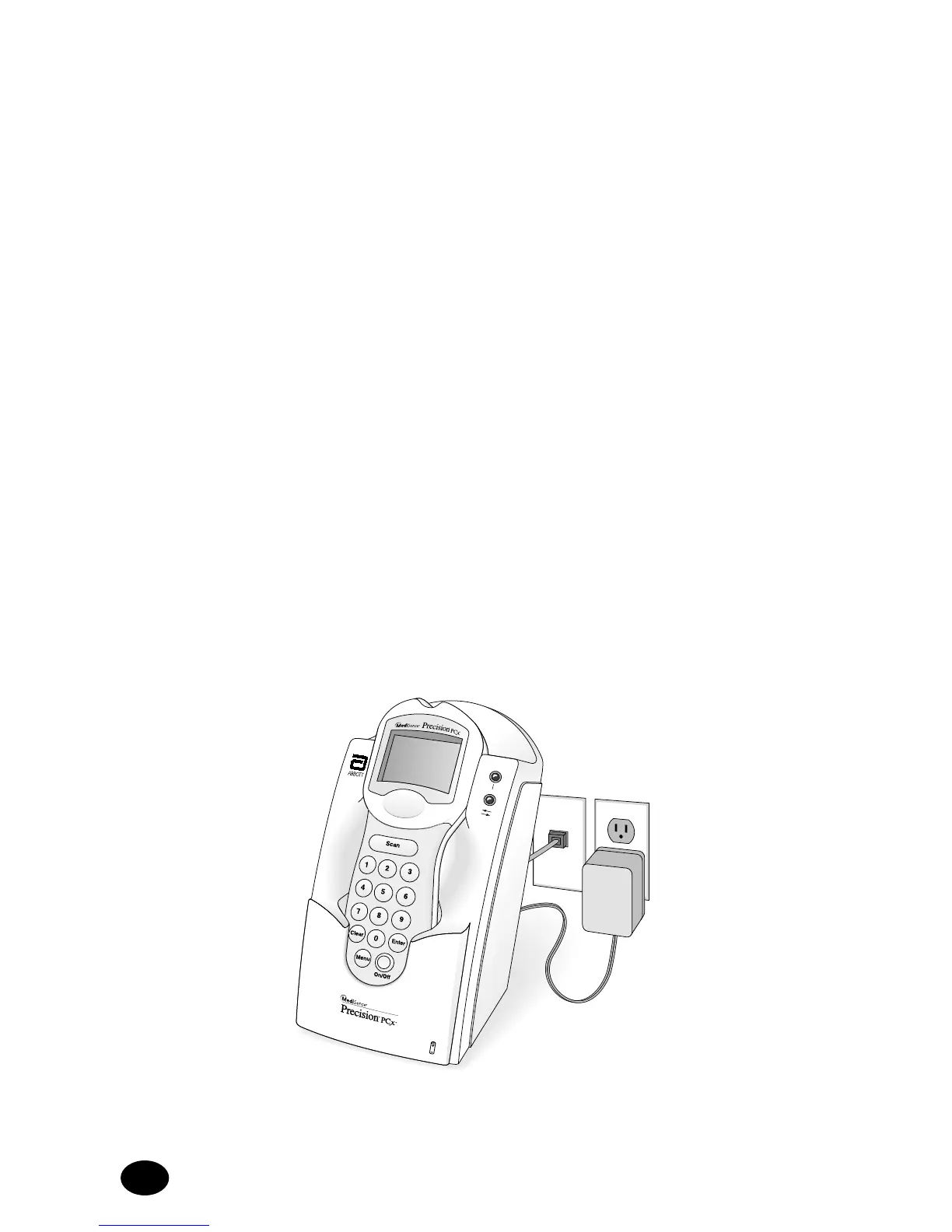
The Precision PCx System offers an optional docking station
that provides a means for hands-free, automatic data transfer
(upload/download) between the Precision PCx Monitor and a PC
running the QC Manager application software. The QC Manager
program will allow messages to be monitored and managed from a
variety of MediSense monitors and systems that will be used
throughout the hospital. (Please refer to the QC Manager Manual for
more information).
The docking station must be connected to a power source (for battery
recharge only) via the AC adapter supplied with the docking station.
Once the monitor is placed into the docking station and a connection is
established, data will be automatically transferred. The docking station
also serves as a battery recharge station for the Precision PCx Monitor
equipped with the optional rechargeable battery pack.
Note: Use only MediSense rechargeable battery pack.
The docking station has a swivel base that allows it to sit on a desktop
or to be mounted to a wall using the mounting plate supplied by
MediSense. (Instructions for installing the mounting plate are described
later in this section).



 To Next Page