8-54
What You See
on the Display
What You Do Comments
Change Setup for Edit Test Strip Lot List:
Refer to the beginning of the Change Setup section for step-by-step
instructions to access the Change Setup menu.
If the monitor displays a message not indicated in these procedures,
please refer to section 10, Troubleshooting.
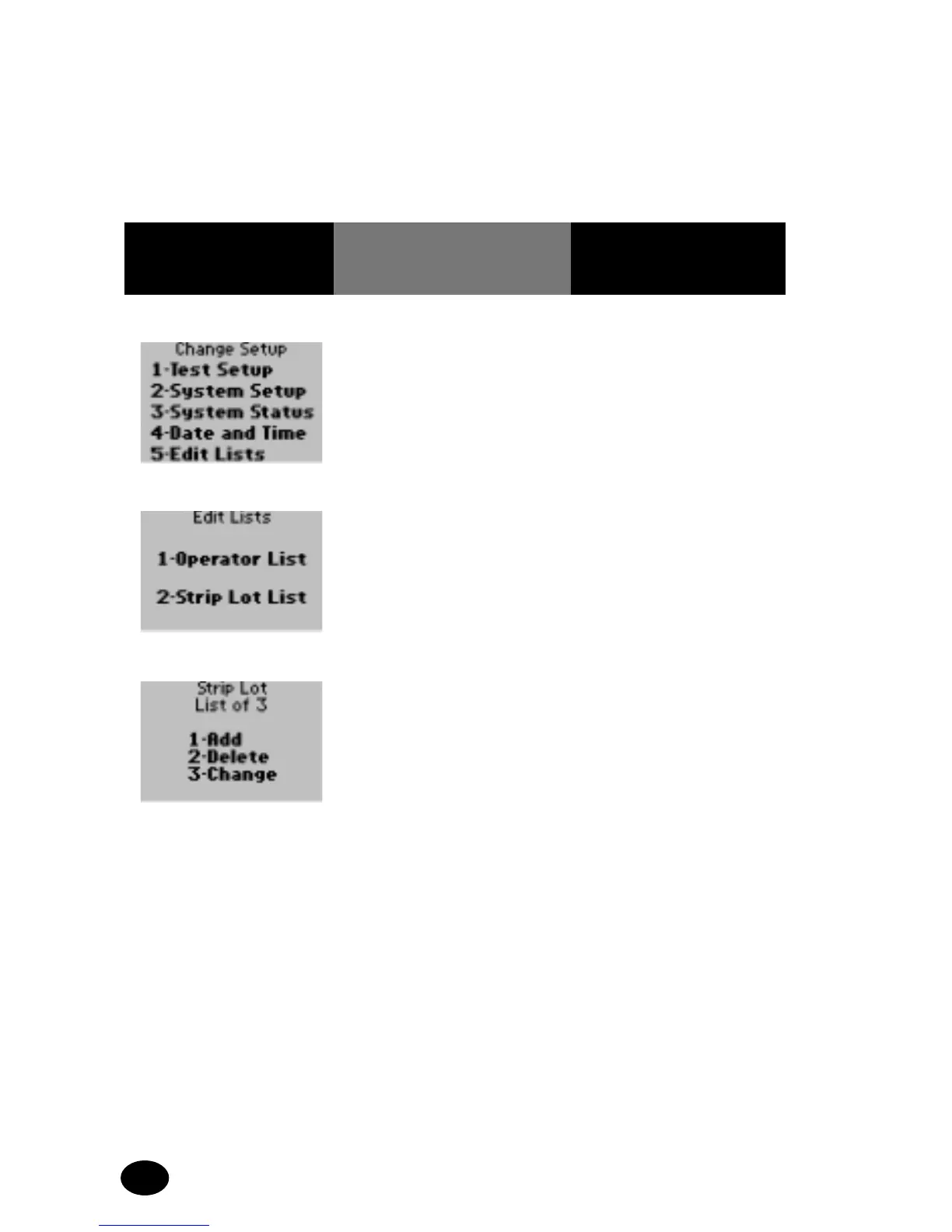
1. Press 5 – Edit Lists. The display shows the
Edit Lists options.
The Strip Lot List can be
edited by adding, deleting
or changing a test strip
lot number.
2. Press 2 – Strip Lot List. The display shows the
Strip Lot List menu and
the number of items on
the list. (The example
provided is a list of 3).
The list can be edited by
adding, deleting or
changing entries.
NOTE:
• If there are no test strip
lots on the test strip lot
list, the display shows
List Empty. The Delete
and Change options will
not appear.
• If the list is full, the Add
option will not appear.



 To Next Page