9-4
3. Connect the network cable to the RJ-45 network jack and to the serial
port of the terminal server.
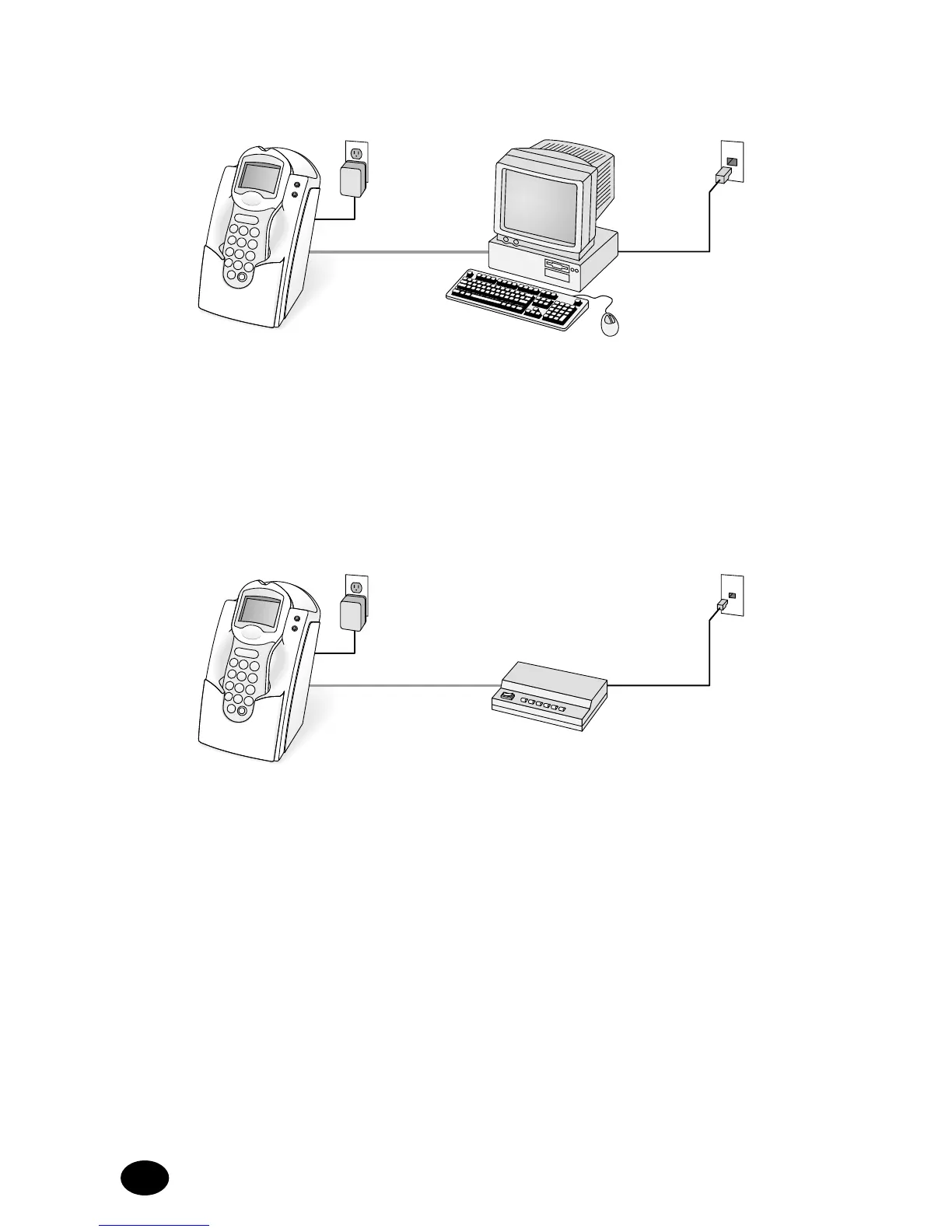
Figure 3
1. Connect the AC adapter to a power source.
2. Connect the RS-232 cable to a serial port on a networked PC at the
nurses’ station and to the docking station data transfer port.
3. Connect the network cable to the RJ-45 network jack and to the serial
port of the networked PC at the nurses’ station.
Figure 4
1. Connect the AC adapter to a power source.
2. Connect the RS-232 to an approved external modem and to the
docking station data transfer port.
3. Connect the approved external modem to a standard telephone jack
using a modem connection.
Note: This connection may require a special adapter to convert the
9 pin serial cable end to a 25 pin connector.



 To Next Page