10-4
Symptom/Error
Message
Explanation How To Respond
When You Turn on the Monitor, or During Use:
The monitor has a
problem that prevents
it from operating.
1. Turn off the monitor.
Turn it on and repeat
the function.
2. If the problem persists,
record the three-digit
error code and contact
Customer Care.
There may be a problem
in the stored data.
Contact Customer Care.
The monitor may have a
problem that prevents it
from operating properly.
Contact Customer Care.
(Error codes 311-319)
(Error codes: 611-623)
(Error codes: 711-739)
The monitor may have a
problem that prevents it
from operating properly.
1. Turn off the monitor.
Turn it on and repeat
the function.
2. If the problem persists,
record the three-digit
error code and contact
Customer Care.
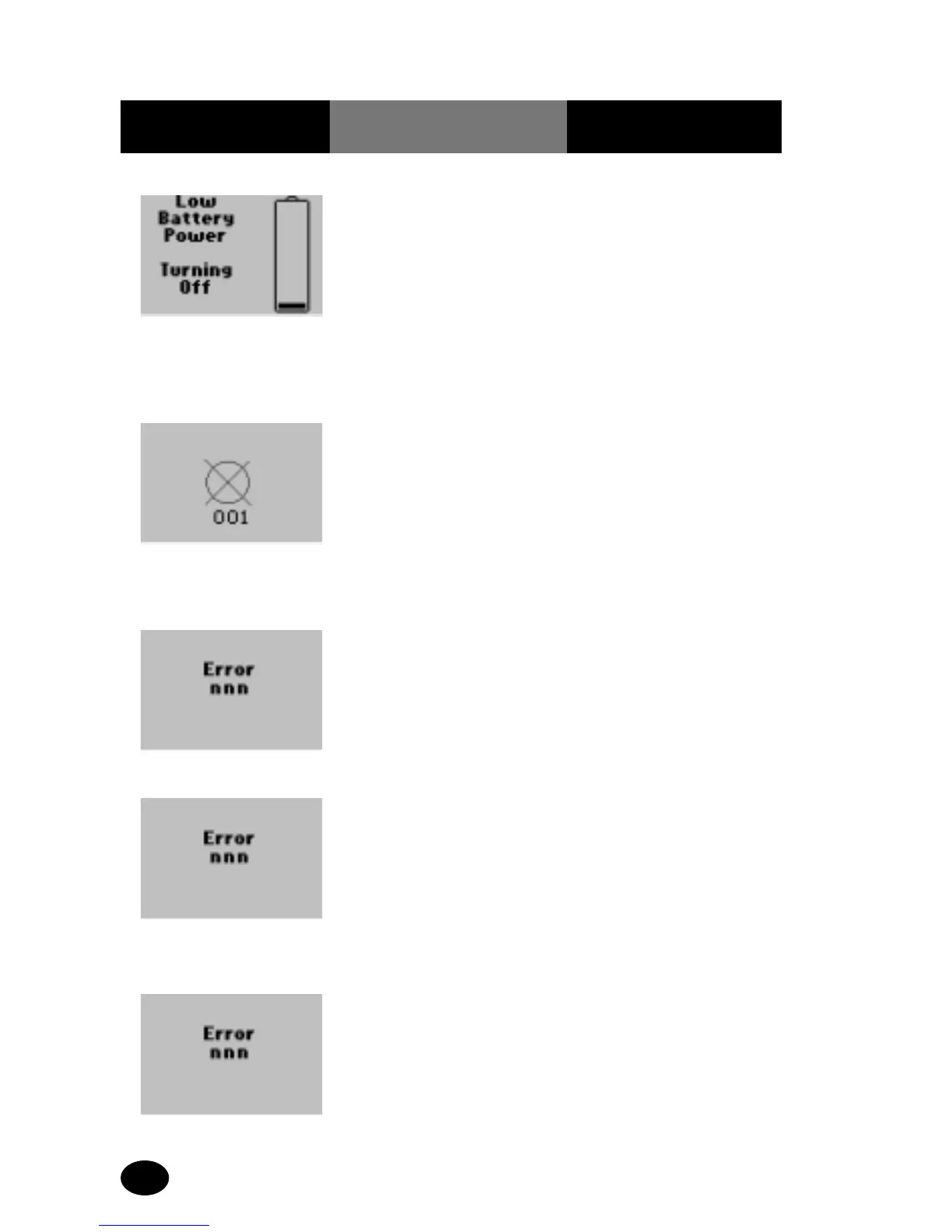
Battery power is too low
for testing. The monitor
will turn off in 10
seconds.
Do one of the following:
Install new batteries. See
Maintenance for further
information.
Place the monitor into the
docking station to
recharge the battery pack
(if the system has this
option).



 To Next Page