What You See
on the Display
What You Do Comments
3-4
3. Press Scan to scan the
Operator ID barcode,
or manually enter the
Operator ID via the
keypad, then press
Enter.
The display will prompt
for a Patient ID to be
entered, if this setting
has been enabled.
Note: If a Patient ID
prompt is not seen, skip
down to step 5.
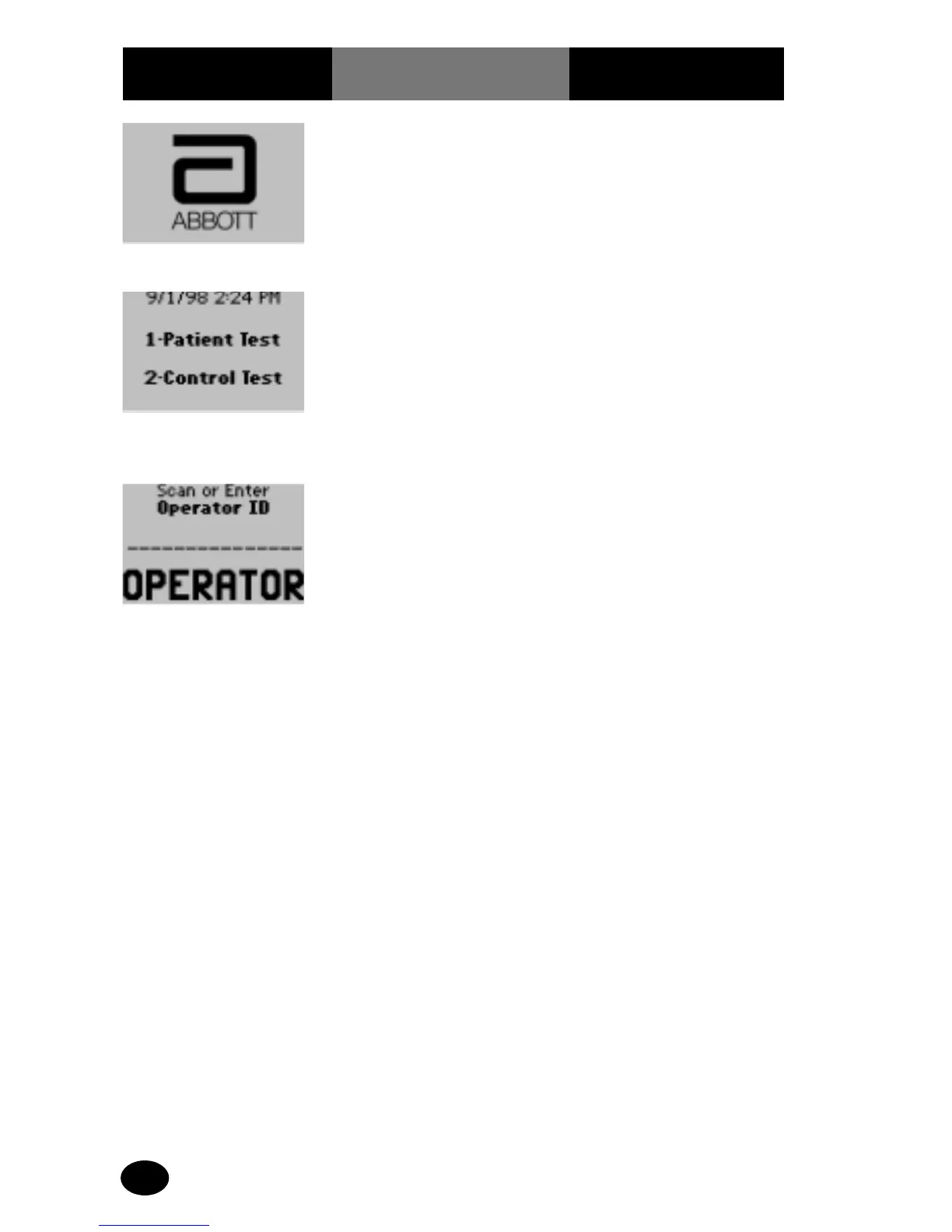
1. Press On/Off to turn
on monitor.
The Abbott logo screen
will appear for a few
seconds followed by the
product name, software
version screen and then
the Test Mode menu.
2. Press 1 to select Patient
Test.
After the patient test is
selected, the Operator ID
screen will appear, if this
setting has been enabled.
Note: If an Operator ID
prompt is not seen, skip
down to step 4.



 To Next Page