What You See
on the Display
What You Do Comments
Questions? Refer to Page 10-13 For Customer Support Information.
3-7
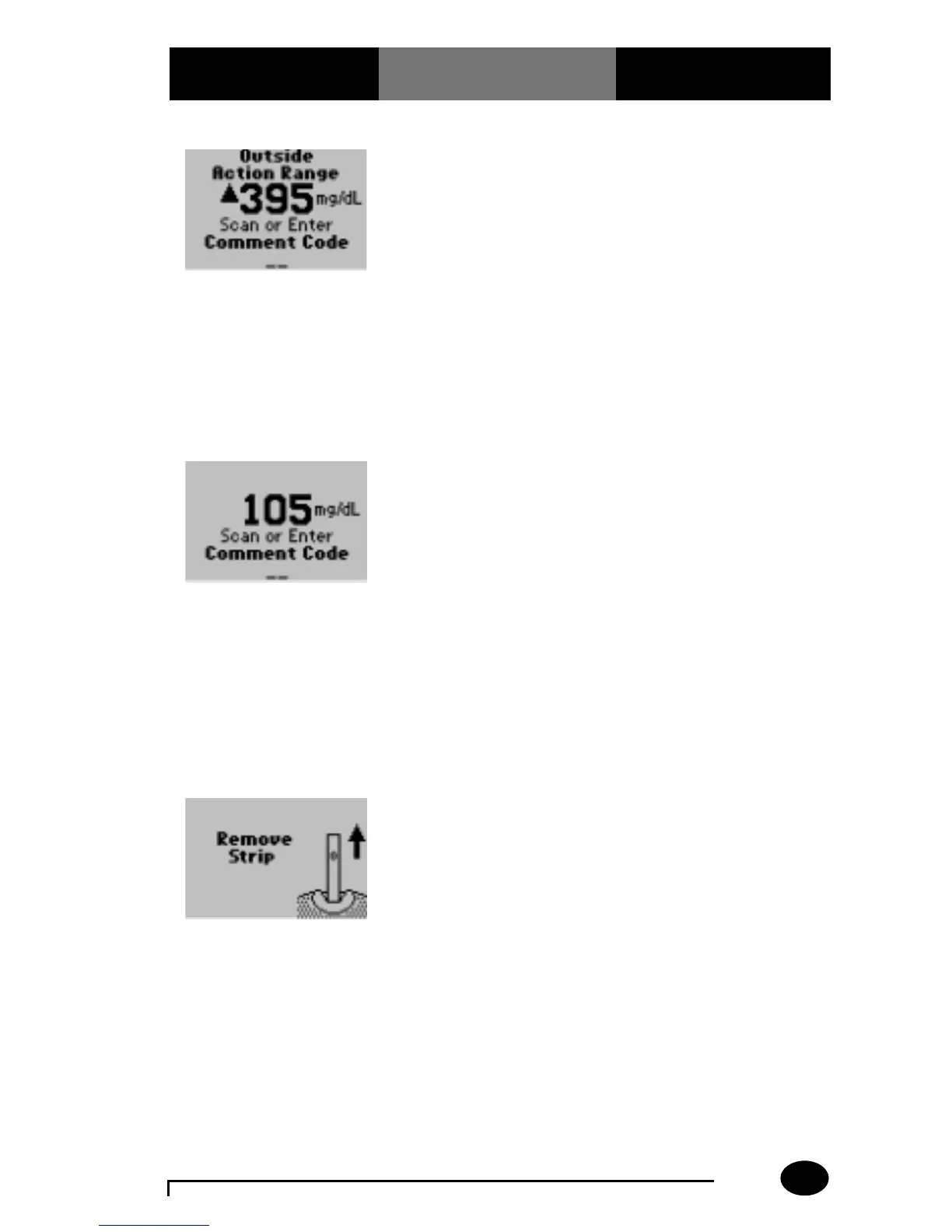
For Out-of-Range results,
refer to your institution’s
protocol.
NOTE: The Outside
Action Range screen will
appear if the Patient Test
Out-of-Range Comment
Code is enabled and the
following two conditions
are met:
A. The Action Range is
set up.
B. The test result is out of
the Action Range.
The monitor may be
enabled to scan or enter a
1- to 2-digit comment
code. If there is no
prompt to enter a
comment code, skip
down to step 12.
NOTE: The In-Range
Action Range screen will
appear if the Patient Test
In-Range Comment Code
is enabled and the
following conditions are
met:
A. The action range
is defined.
B. The test result is within
the Action Range.
12. Remove the test strip
from the monitor when
finished testing.
(▲21.9 mmol/L)
(5.8 mmol/L)



 To Next Page