Questions? Refer to Page 10-13 For Customer Care Information.
4-5
14. The operator may
select one of the
following:
Press 1 – Next Level.
Press 2 – Repeat Test
Press Menu to return to
the Menu Mode menu.
Press On/Off to turn off
the monitor.
If 1 is selected, the next
level test will appear. The
operator may perform the
next level control test by
returning to Step 4.
If 2 is selected, the Scan
or Enter Strip Lot screen
will appear.
Return to step 5 to repeat
the test.
What You See
on the Display
What You Do Comments
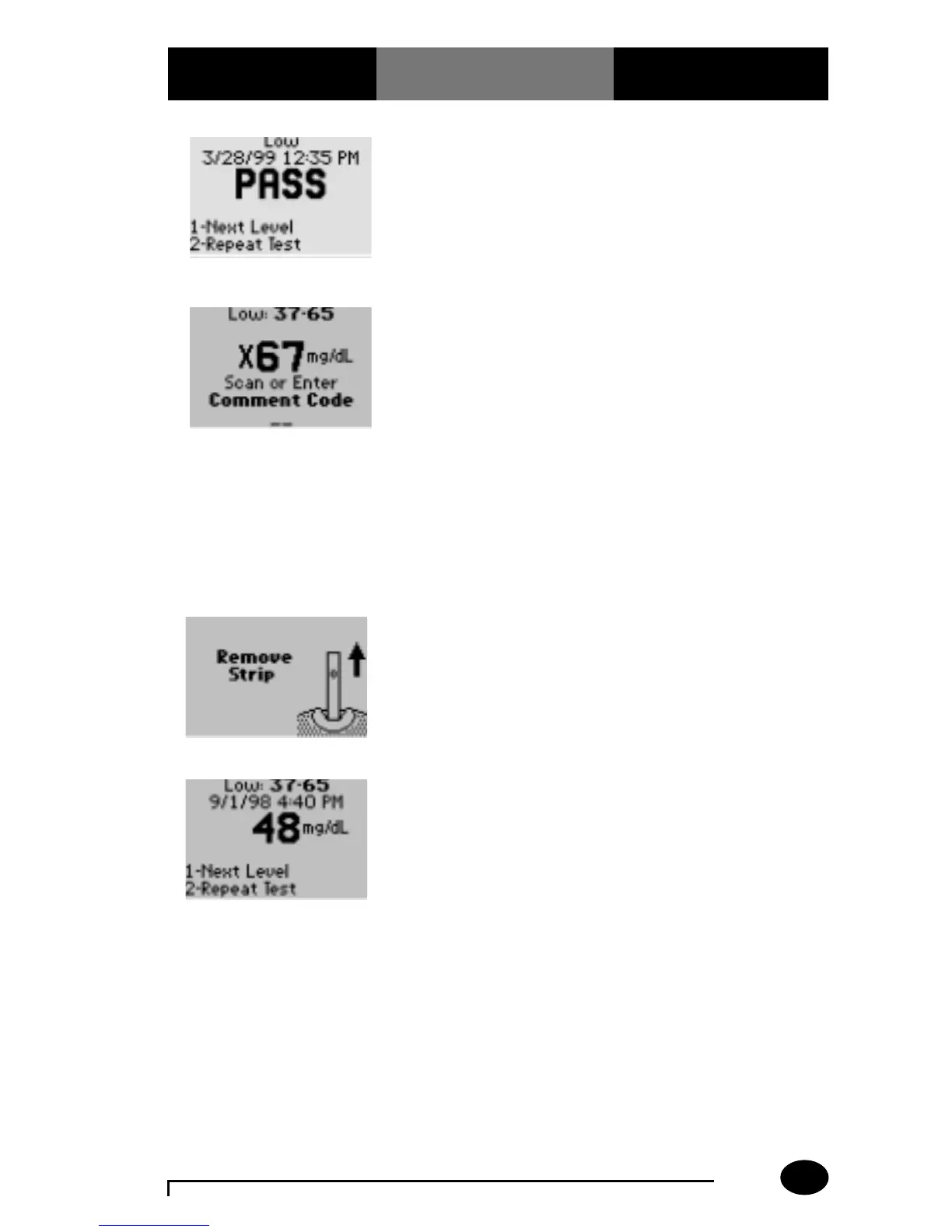
13. Remove the test strip
from the monitor
when finished testing.
(2.7 mmol/L)
11. Note the test result
and whether it falls
within the acceptable
range.
The display shows the
control level, PASS/FAIL,
date and time.
12. If required, scan or
manually enter the
comment code, and
press Enter.
The monitor may be
enabled to scan or
enter a 1- to 2-digit
comment code. If
there is no prompt to
enter a comment code,
skip down to step 13.
An “X” will appear in
front of a test result that is
Out-of-Range.
(x3.7 mmol/L)



 To Next Page