Questions? Refer to Page 10-13 For Customer Care Information.
5-23
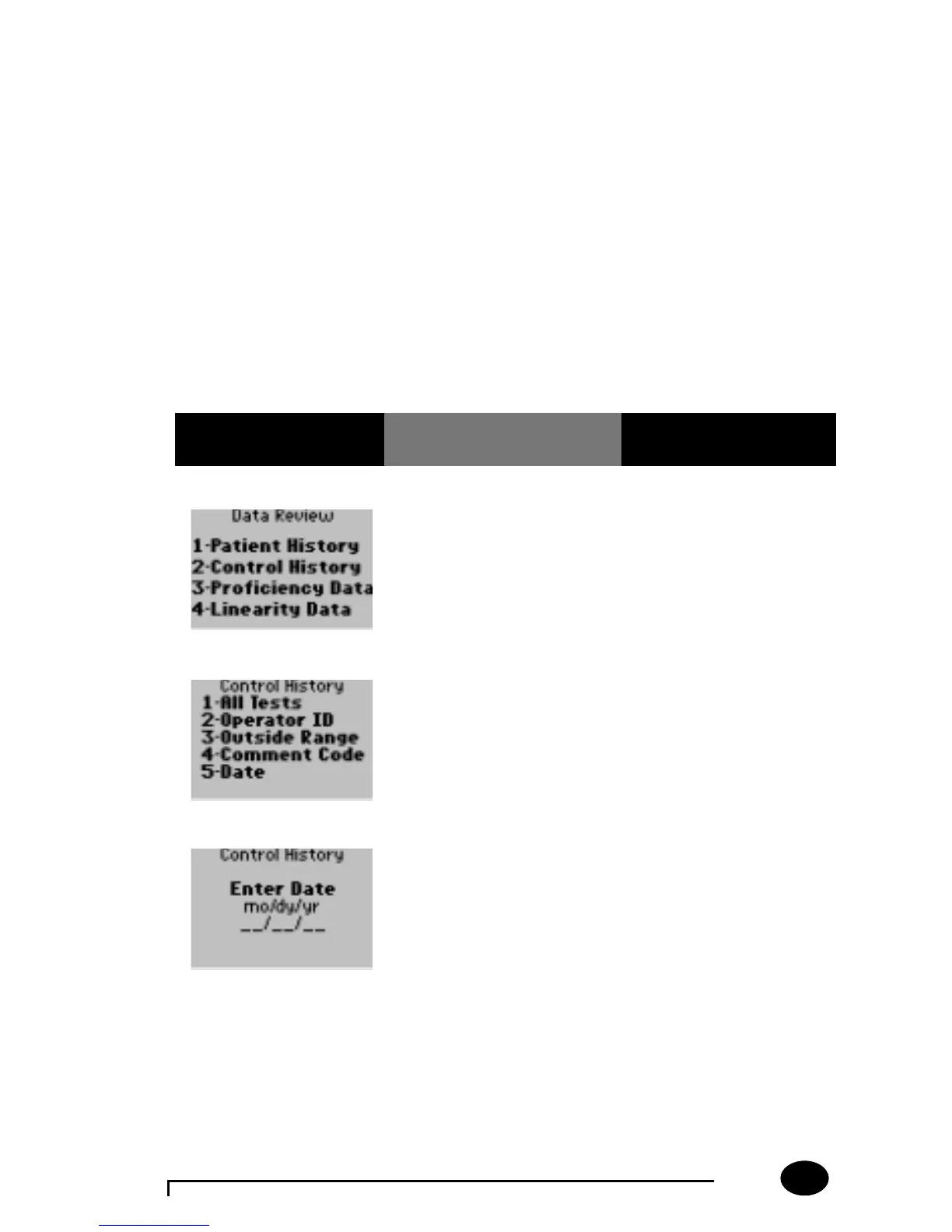
Data Review for Control History for Selected Date:
Please refer to page 5-2 of the Data Review section for the step-by-step
instructions to access the Data Review menu.
Note: If no tests are stored for the desired category that was
selected, the following message will be displayed on the monitor:
“No Stored Tests”.
Note: If no tests match the criteria specified, this message will be
displayed on the monitor: “No Tests Match Request”.
If the monitor displays a message not indicated in these procedures,
please refer to section 10, Troubleshooting.
What You See
on the Display
What You Do Comments
1. Press 2 – Control
History.
The Control Test History
menu now appears.
2. Press 5 – Date. The monitor will prompt
for a specified date to be
entered.
3. Enter a date then press
Enter.
The monitor will display
the most recent control
test result for the specified
date.



 To Next Page