What You See
on the Display
What You Do Comments
6-2
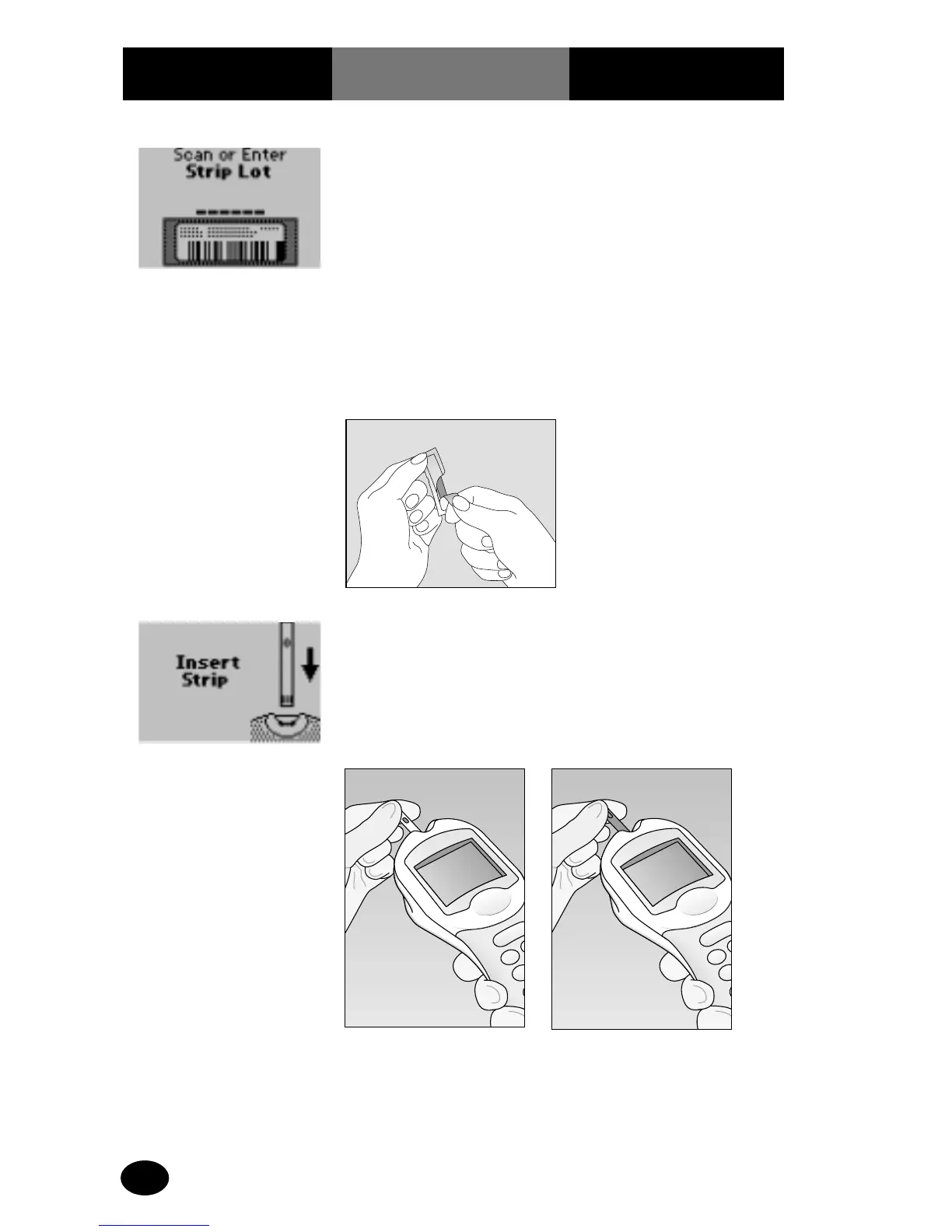
6. Scan or manually
enter* the test strip lot
number via the keypad,
then press Enter.
The monitor will prompt
the operator to insert the
test strip.
7. Open the foil test strip
packet at the notch and
tear up or down to
remove the test strip.
8. With the contact bars
facing up, insert the test
strip into the test strip
port until it stops.
The monitor will prompt
the operator to apply the
sample to the test strip.
* Manual entry of strip lots with alpha-numeric barcodes is not supported.
Precision PCx PlusTest Strip
with TrueMeasure Technology
For Use with Precision PCx
v2.2 Only
Precision PCx Test Strip
For Use with Precision PCx
v2.0, v2.1 and v2.2.



 To Next Page