8-12
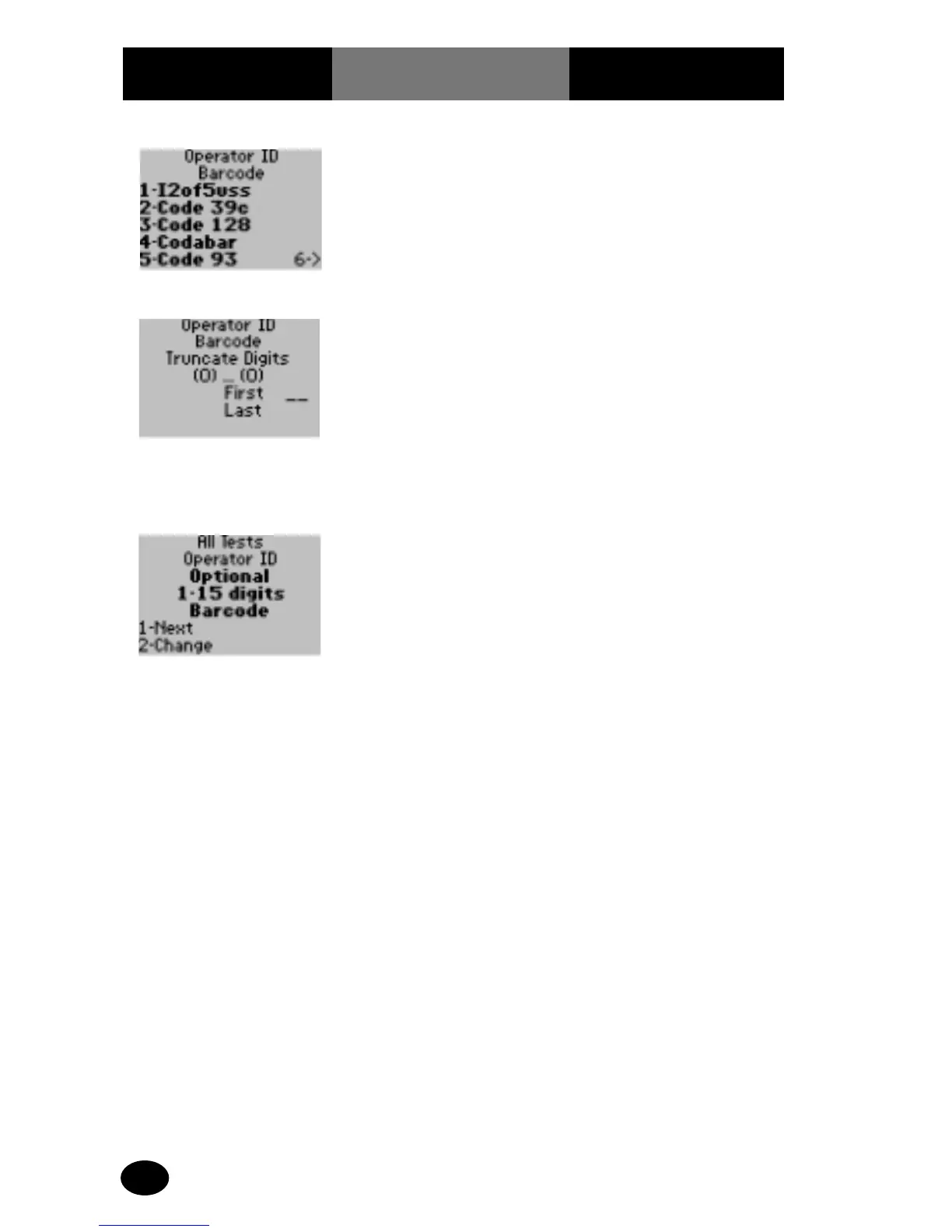
17. Press Enter twice
for no truncation of
leading or trailing
digits; otherwise enter
the number of leading
and trailing barcode
digits to truncate
(ignore).
The monitor can be set to
ignore a specific number
of leading and/or trailing
barcode digits.
The display returns to the
All Tests, Operator ID
screen.
18. The administrator will
select one of the
following options:
Press 1 – Next, return to
the Test Setup menu.
Press Menu to return to
the Menu Mode.
Press On/Off to turn off
the monitor.
What You See
on the Display
What You Do Comments
16. To access the Truncate
Digits screen, press 6
and continue forward
to step 17.
The display shows the
Operator ID Barcode
Truncate Digits screen.



 To Next Page