8-18
What You See
on the Display
What You Do Comments
19. Press 1 – Next;
continue to the next
menu.
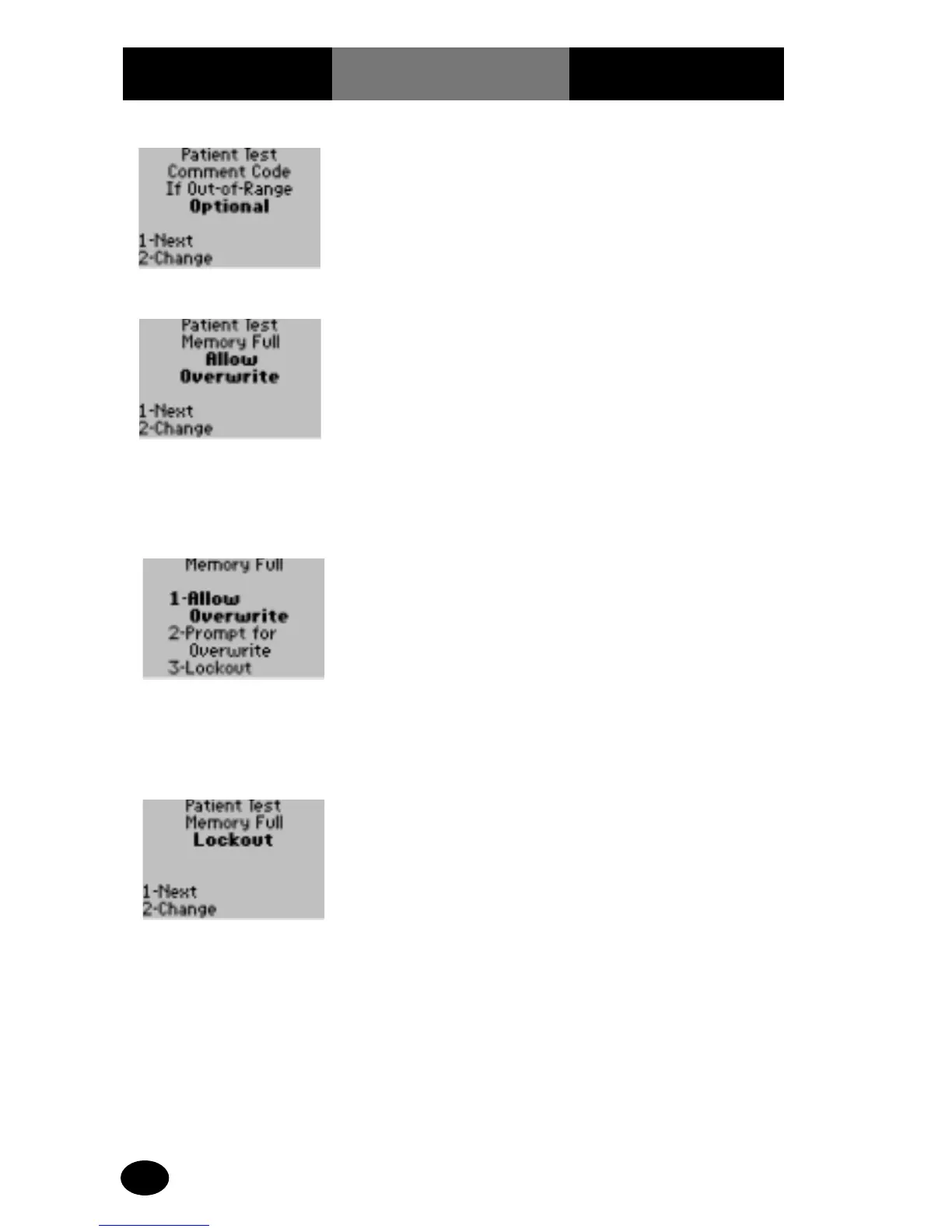
The display shows the
Memory Full screen.
20. The administrator will
select one of the
following:
Press 1 – Next, and
continue to next menu.
Press 2 – Change, to
change Memory Full
option.
The display shows the
Memory Full options.
Once the Patient Test
storage bank is full, the
following can be set by
the monitor: lockout
additional tests; prompt
for overwrite option; or
automatically overwrite
the oldest stored tests.
21. The administrator will
select one of the
following options:
Press 1 – Allow
Overwrite.
Press 2 – Prompt for
Overwrite.
Press 3 – Lockout.
The display is returned to
the Patient Test Memory
Full screen.
22. The administrator will
select one of the
following options:
Press 1 to return to Test
Setup menu.
Press Menu to return to
the Menu Mode.
Press On/Off to turn off
the monitor.



 To Next Page