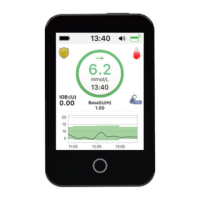
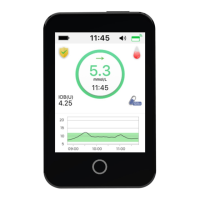
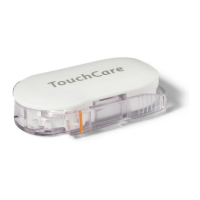
Medtrum Simplifying Diabetes
www.medtrum.com
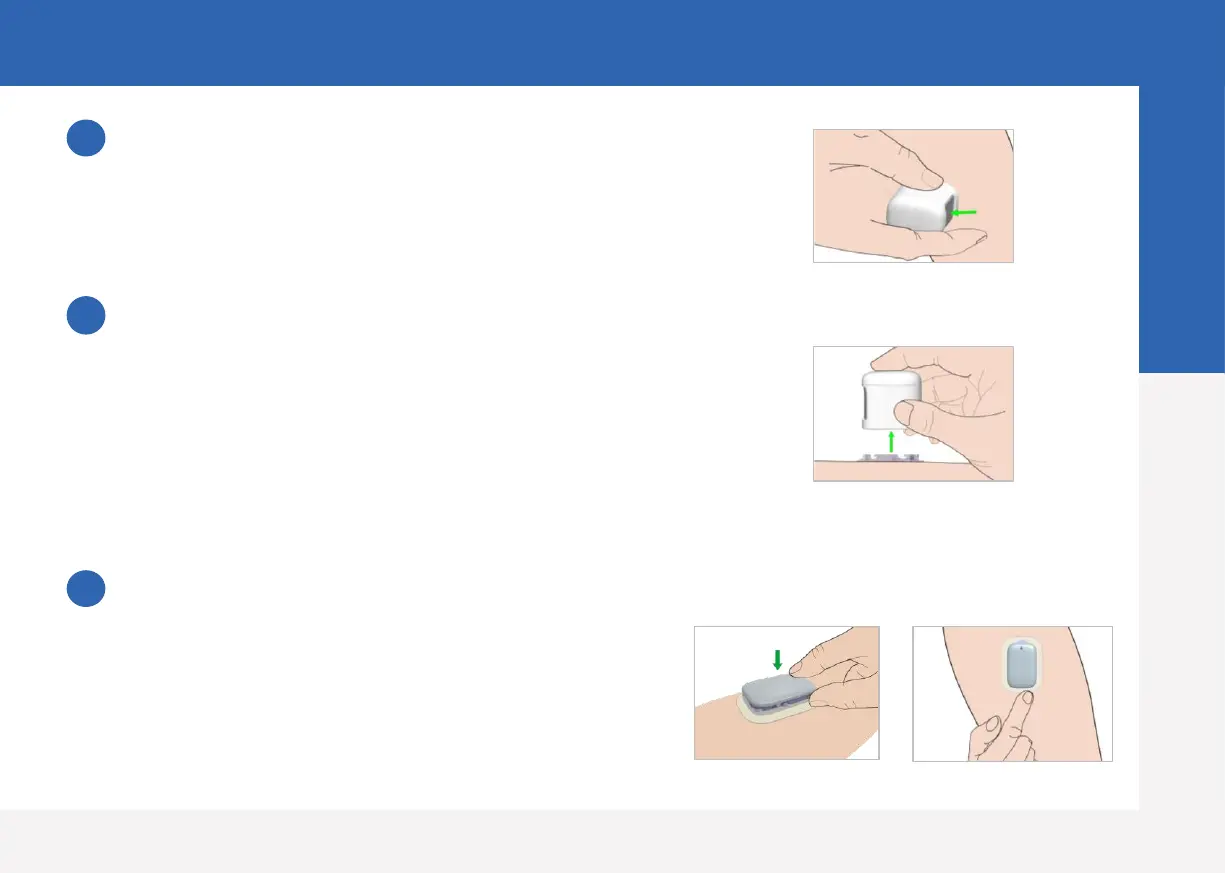
Insert Sensor needle
• Hold the inserter as shown on the right and press swiftly
the inserter.
Remove the Inserter
• Lift the inserter vertically away from the mount.
• Only the Sensor support mount will be left on your body.
• Discard the sensor inserter into a sharp's container or a
puncture-proof container with a tight lid.
Connect Transmitter
• Keep the transmitter parallel to the sensor support
mount, then snap the transmitter into place.
• The indicator light will flash green 3 times first then
another 6 times within one minute.
4
5
6
Apply Sensor
8


 To Next Page