CONNECTING TO PAIRED DEVICES
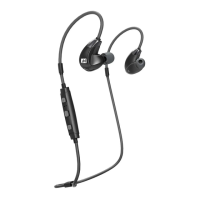
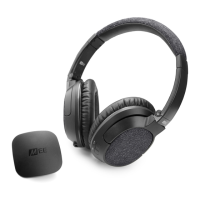
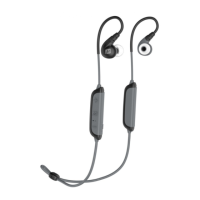
When powered on, the X8 will automatically connect
with the most recently paired and/or connected
Bluetooth device that is powered on and within range.
If the headset does not connect automatically, open
the Bluetooth menu on your device and select “MEE
audio X8” from the Bluetooth device list.
CONNECTING TO MORE THAN ONE DEVICE
(MULTIPOINT)
Multipoint is a feature that allows two Bluetooth
devices to be connected to the X8 simultaneously. To
use two Bluetooth devices with the X8, first pair each
one by following the pairing procedure described in
the BLUETOOTH PAIRING section and then power
the headset off. When powered on again, the headset
will connect to the 2 most recently-paired devices, as
long as they have Bluetooth enabled and are within
range. If a device that has already been paired does
not connect automatically, select “MEE audio X8” from
the Bluetooth menu of the device.
Note: Headset operating range and battery life may
be reduced when maintaining two connections via
Multipoint


 To Next Page